
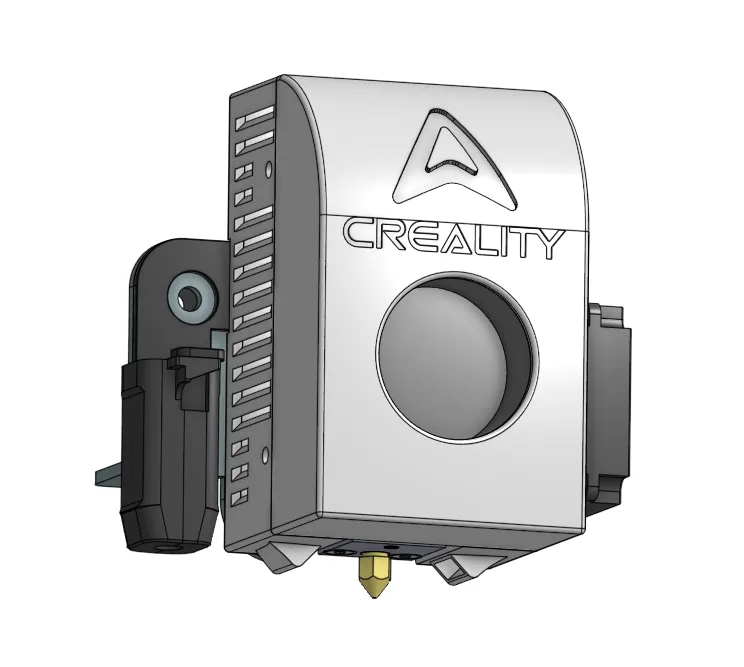
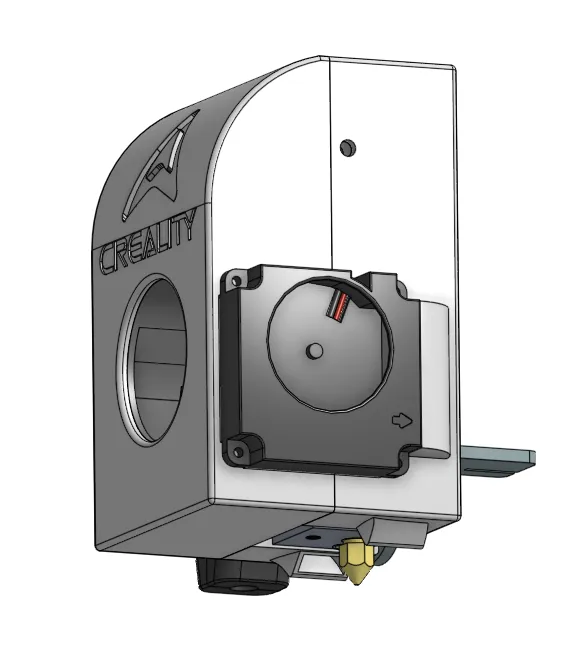
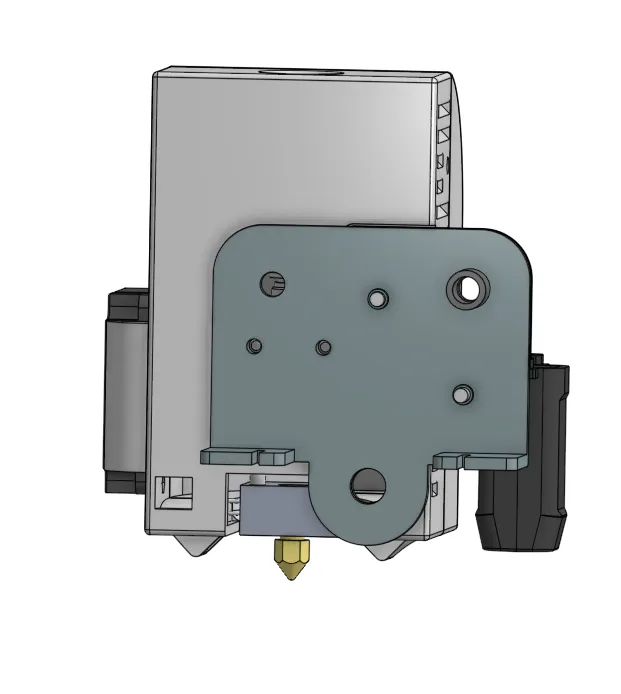
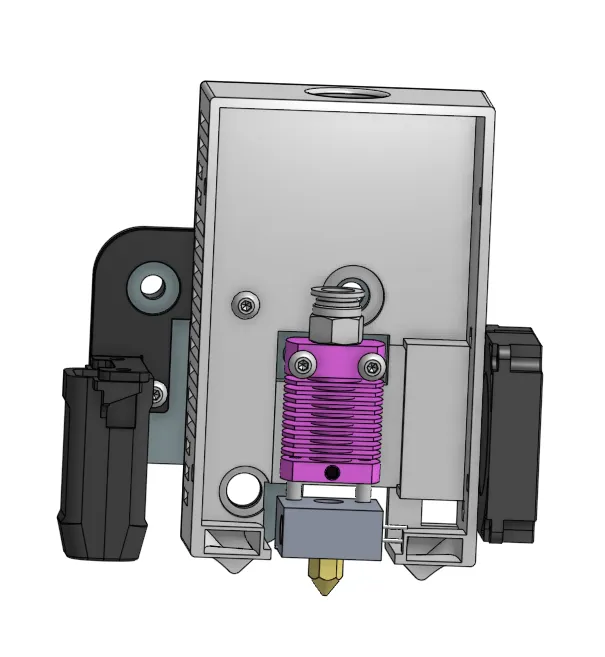
Creality Modern Hotend Shroud-Ender-3, Ender-3 Pro
Print Profile(0)
Description
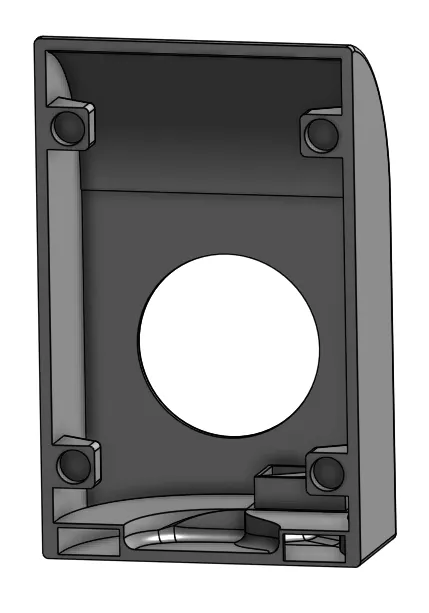
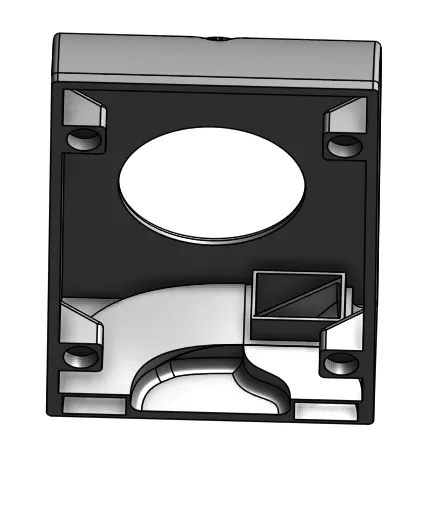
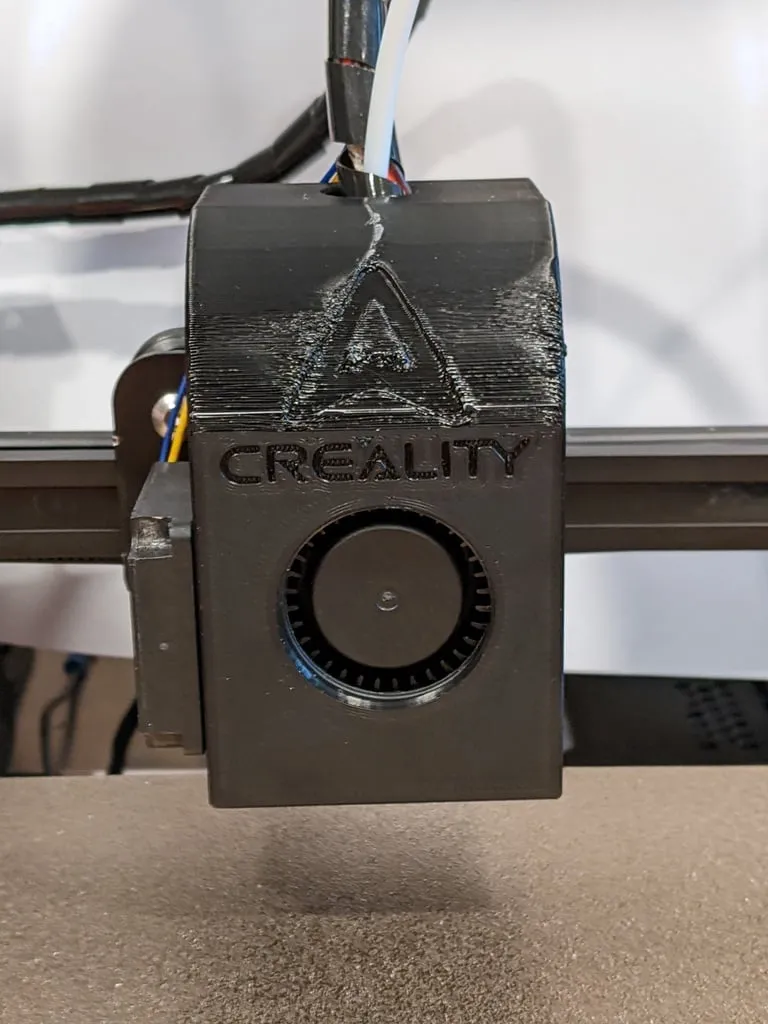
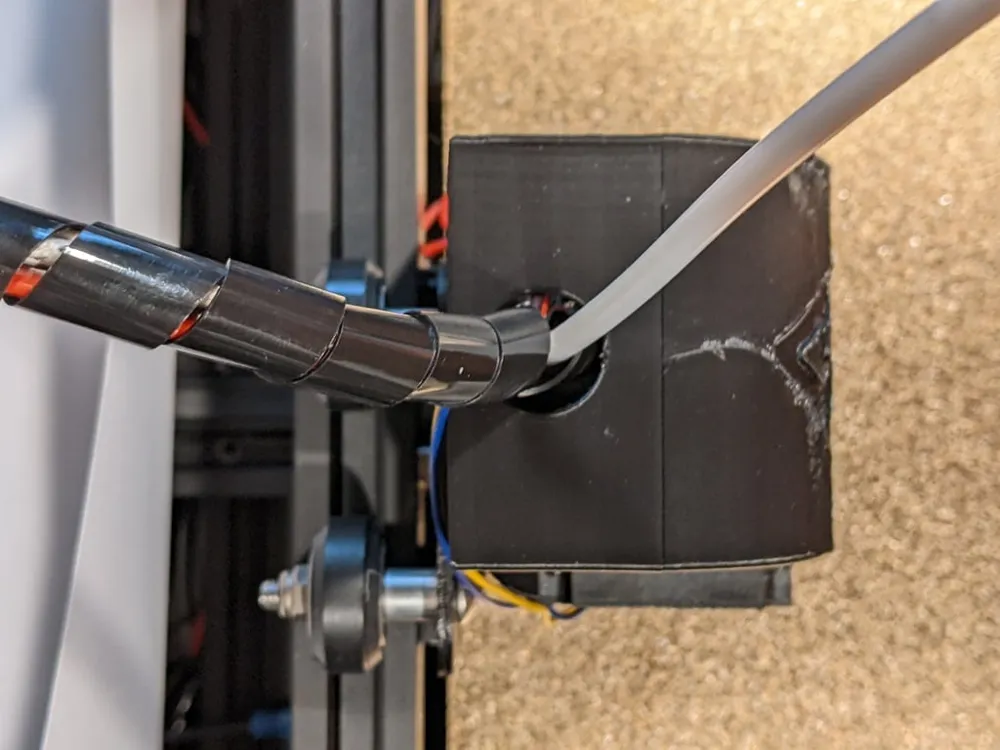
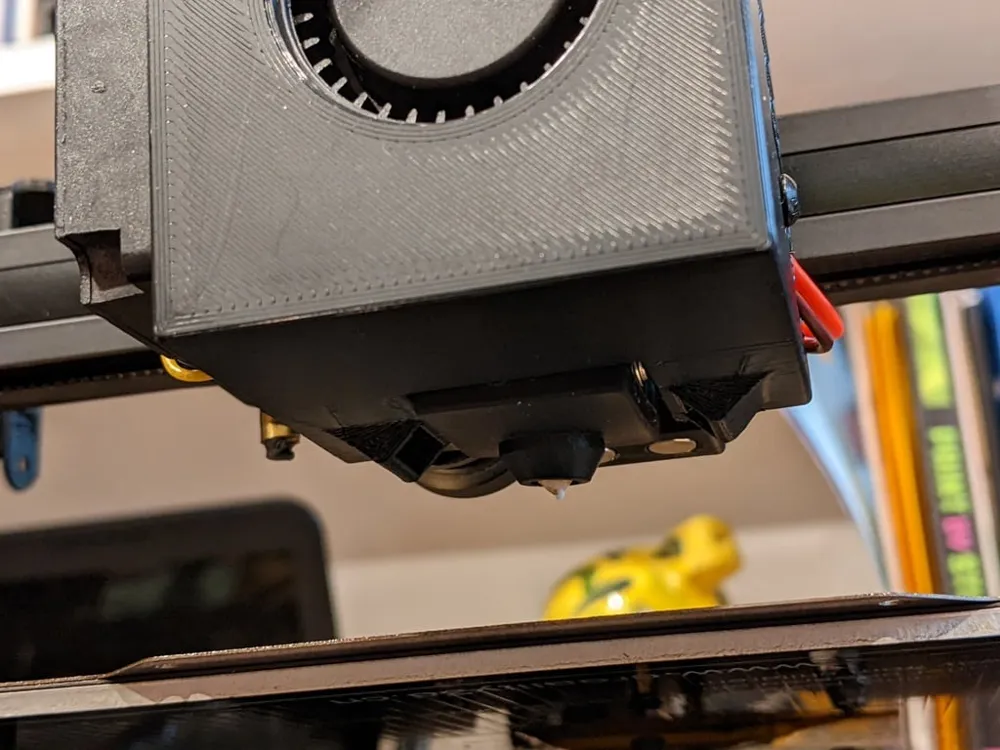
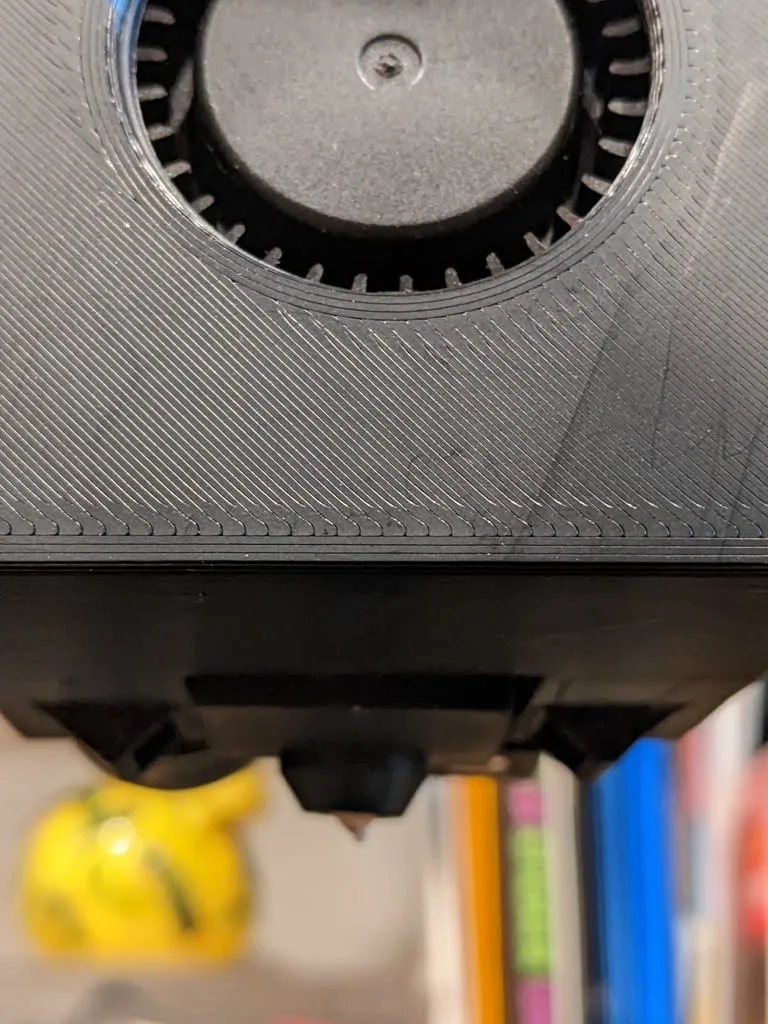
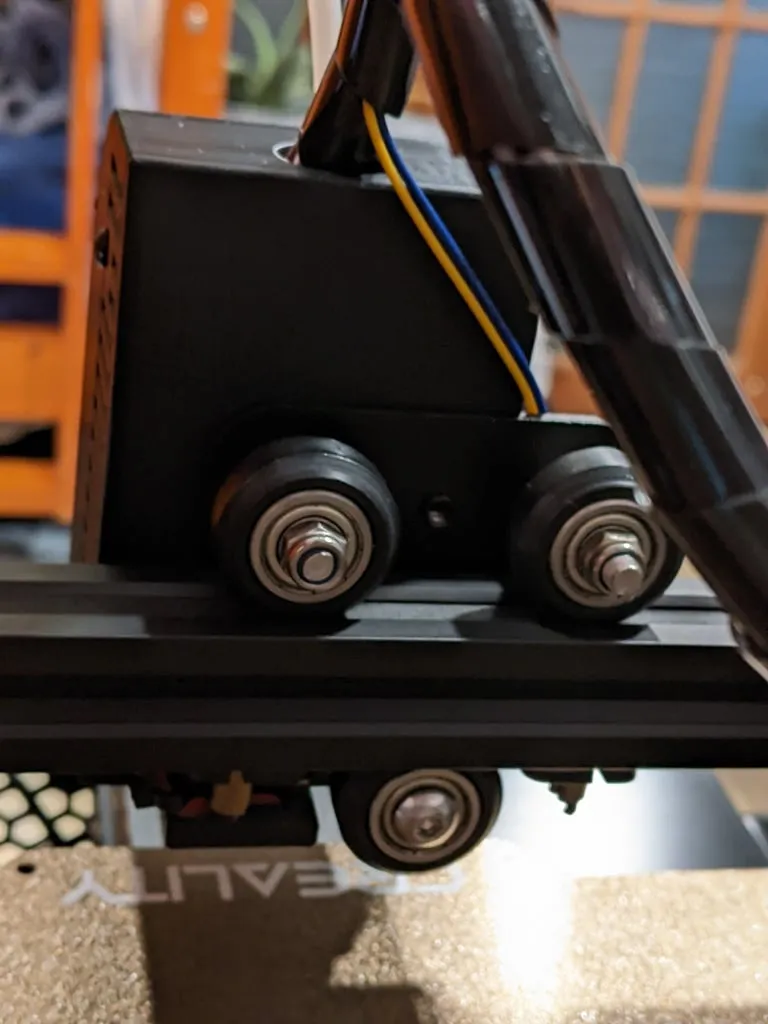
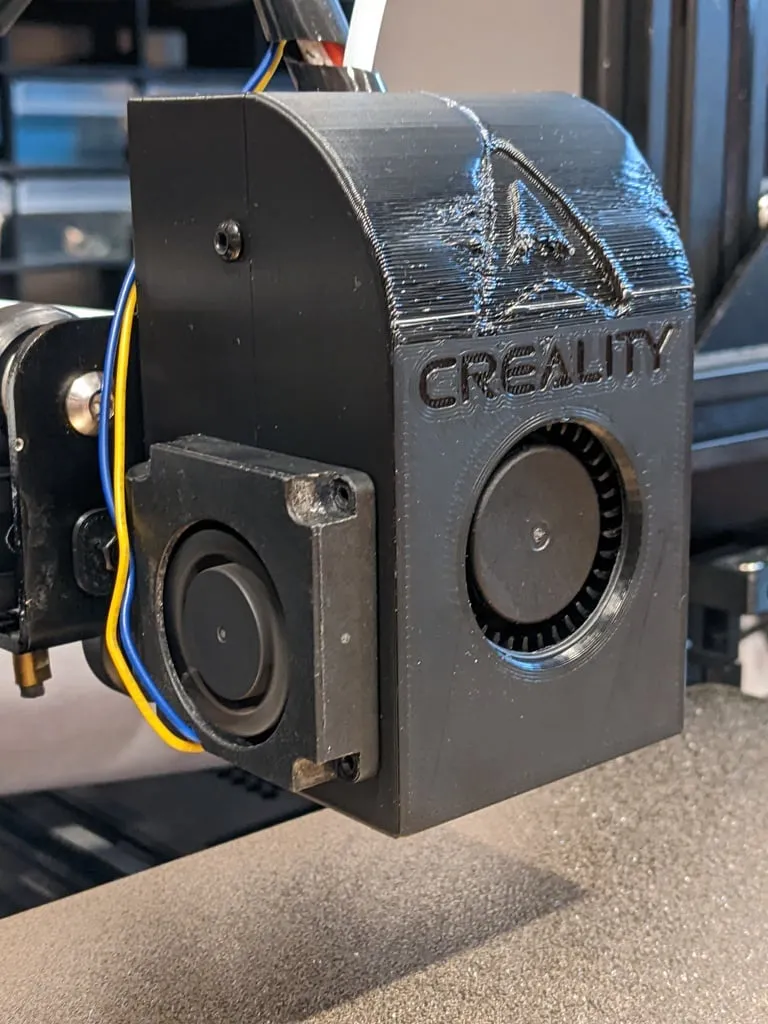
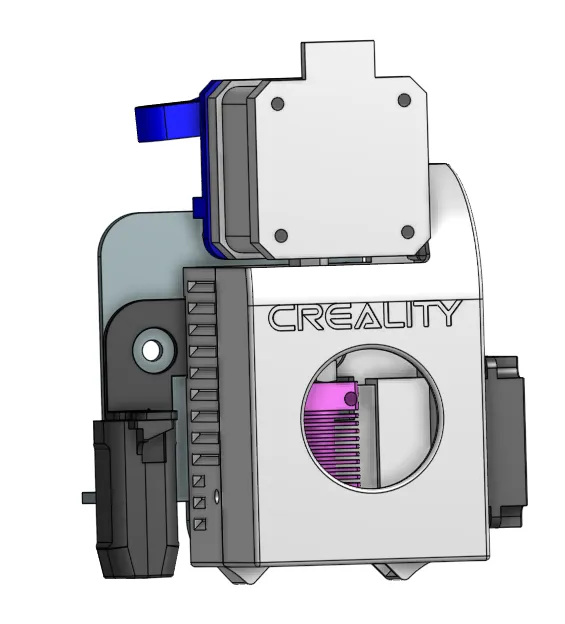
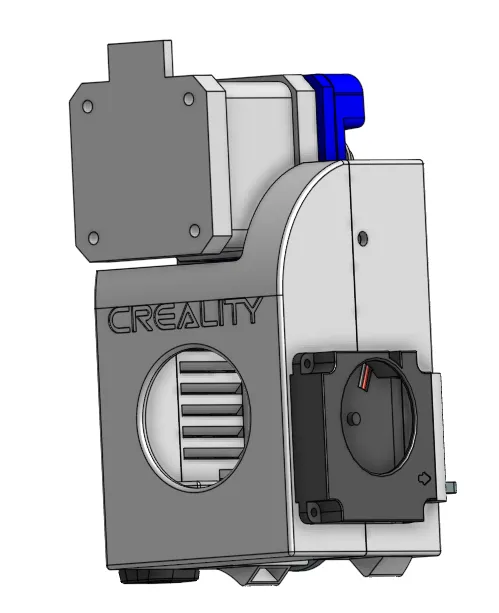
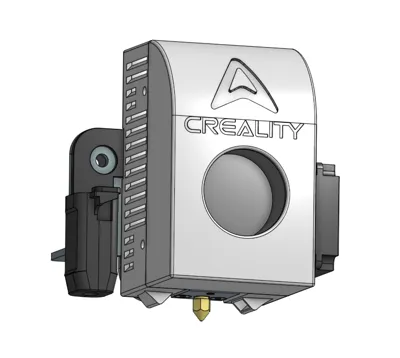
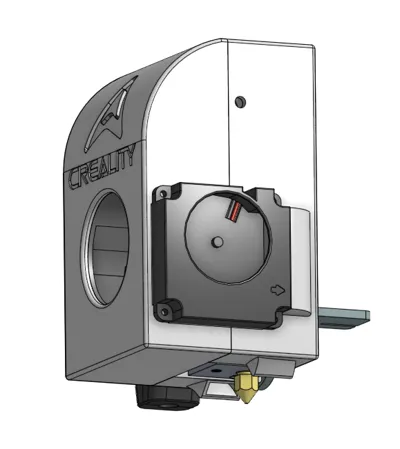
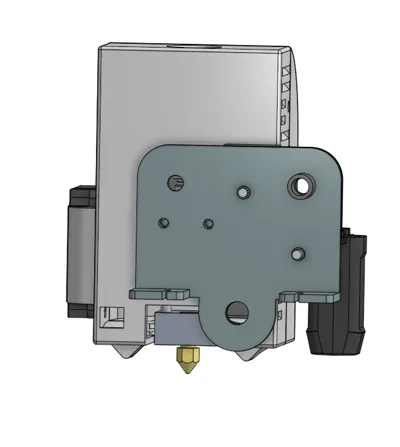
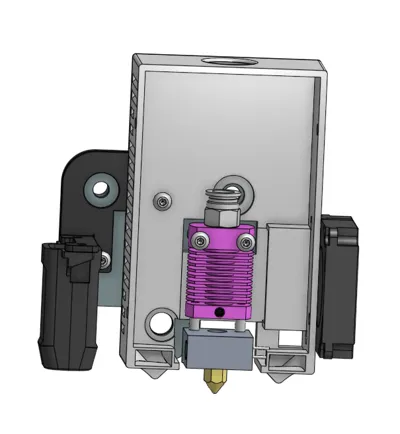
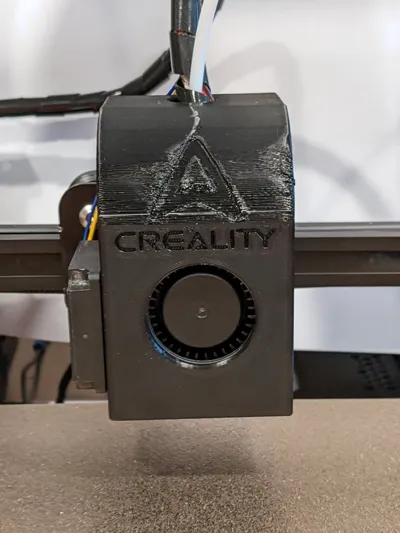
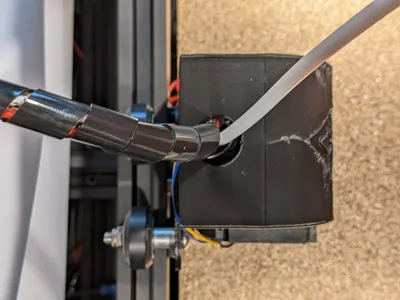
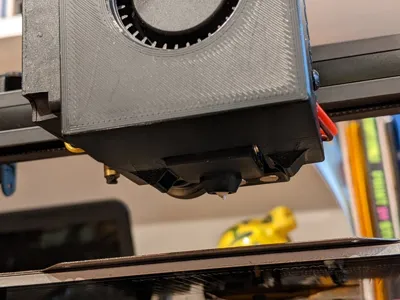
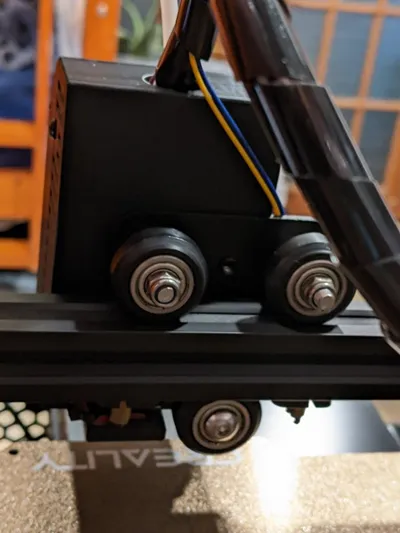
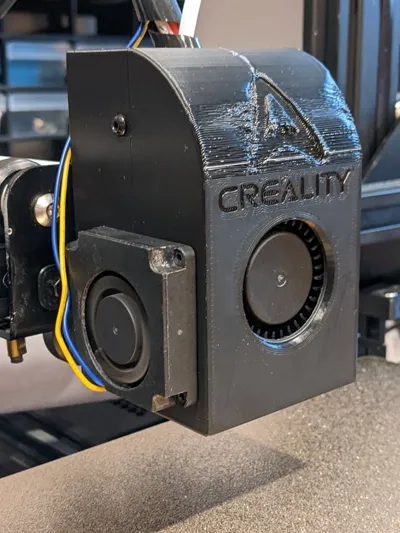
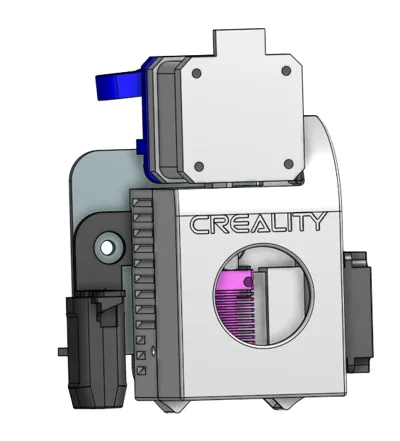
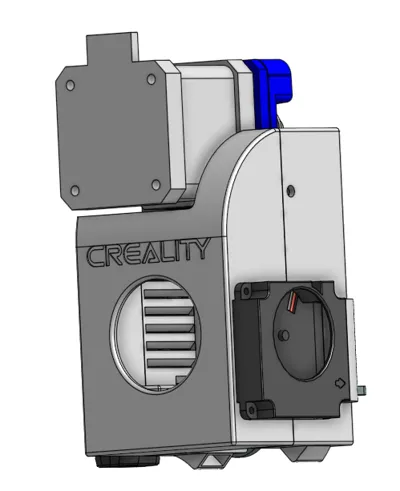
A hotend shroud for stock creality printers using the MK8 hotend (OEM). "S" versions use m3 screws to secure the front to the base, while "M" versions use 6x3mm magnets. . Remixes encouraged.
NOTE: In addition to fitting over the duct, the part cooling fan need to be tipped slightly and will need a bit of hot glue on the top to hold it securely. It will still be relatively easily removable. We are working on a better solution.
Boost Me (for free)
If you like this model and how much work I put into it, please boost! Thanks!
VERSIONS:
Note: All CR-Touch Versions work without a CR-Touch
MK33S = Bowden, No Magnets, Hotend Cooling Fan on Right side
MK34S = Bowden, No Magnets, Hotend Cooling Fan on Left side
MK34M = Bowden, Magnets, Hotend Cooling Fan on Left side
MK34S_CR-Touch = Bowden, CR-Touch Mounting, No Magnets, Hotend Cooling Fan on Left side
MK34M_CR-Touch = Bowden, CR-Touch Mounting, Magnets, Hotend Cooling Fan on Left side
MK35S_SpriteSE_CR-Touch = Sprite SE Direct Drive Extruder, CR-Touch Mounting, No Magnets, Hotend Cooling Fan on Left side
MK3
6S_CrealityDirectDrive_CR-Touch = Creality Direct Drive Upgrade Kit Extruder, CR-Touch Mounting, No Magnets, Hotend Cooling Fan on Left side
COMPATIBLE MACHINES:
Ender-3 V1
Ender-3 Pro
CR-10 Mini
If you decide to test with a machine that is not listed here, please post in the comments whether it is compatible.
COMPATIBLE ABL PROBES:
KlackEnder by KevinAkaSam
CR-Touch/BL-Touch (Uses stock CR-Touch bracket)
COMPATIBLE EXTRUDERS:
Bowden
Sprite Extruder SE
Creality Direct Drive Upgrade (The one with stepper over hotend facing backward)
PRINT SETTINGS:
Print in ABS or PETG recommended. Tested in ABS.
Supports needed - NOT IN DUCTS
<50% infill recommended
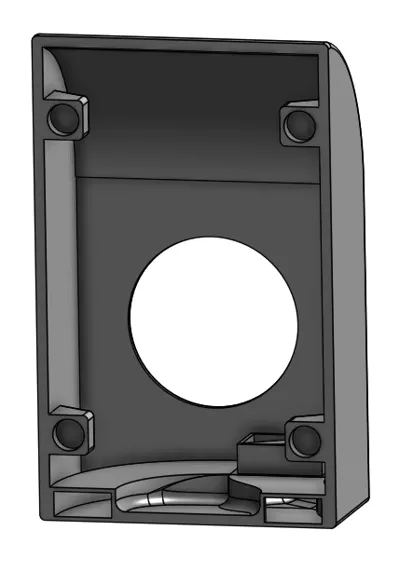
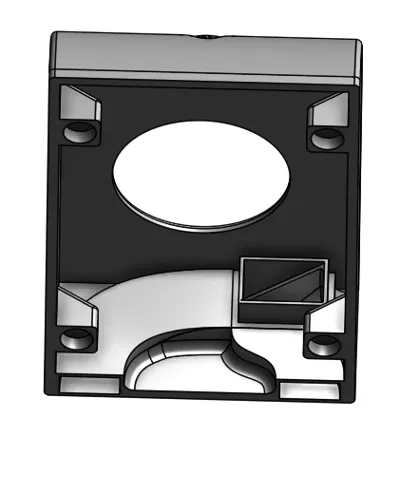
You need 1 Front Cover & 1 Main Shroud. Front covers marked "M" are interchangeable with other front covers marked "M". Front covers marked "S" are interchangeable with other front covers marked "S" except for Mk3.6S.
HARDWARE NEEDED:
"S" versions use m3 screws to secure the front to the base, while "M" versions use 6x3mm magnets.
Magnetic Cover:
4x 6x3mm magnets
1x 5015 Radial Fan
2x M2 nuts
2x M2x6mm machine screws (Can be longer)
Non-Magnetic Cover:
Note: All versions except Mk3.3S Need one of the M3x8mm screws to be countersunk, and the others to be buttonhead or cap screws
4x M3x8mm machine screws
4x M3 nuts
1x 5015 Radial Fan
2x M2 Nuts
2x M2x6mm machine screws (Can be longer)
Print Settings
Printer Brand:
Bambu Lab
Printer:
Bambu X1C
Rafts:
Doesn't Matter
Supports:
Yes, NOT IN DUCTS
Resolution:
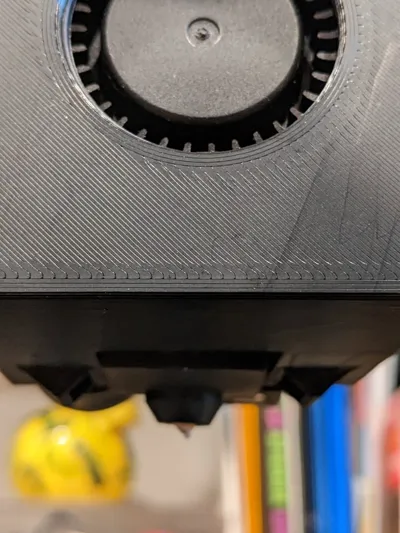
Smaller resolution makes smoother cooling ducts.
Infill:
<50%
License



Comment & Rating (0)