
P1S Poop Bin with Tool Holder - Clean Front Face
Print Profile(1)

Bill of Materials
- 12mmx3mm Disc Magnets x 4: Disc Magnets to fit into the holes of the model so the Part "sticks" better to your printer to your printer and don't move (optional)
Description
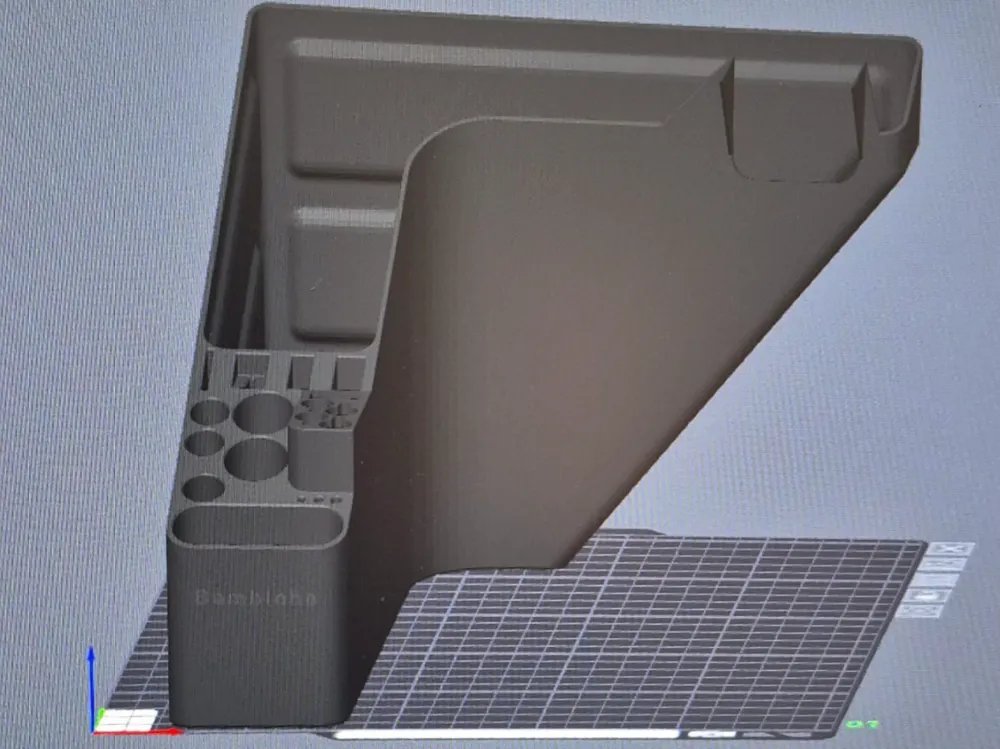
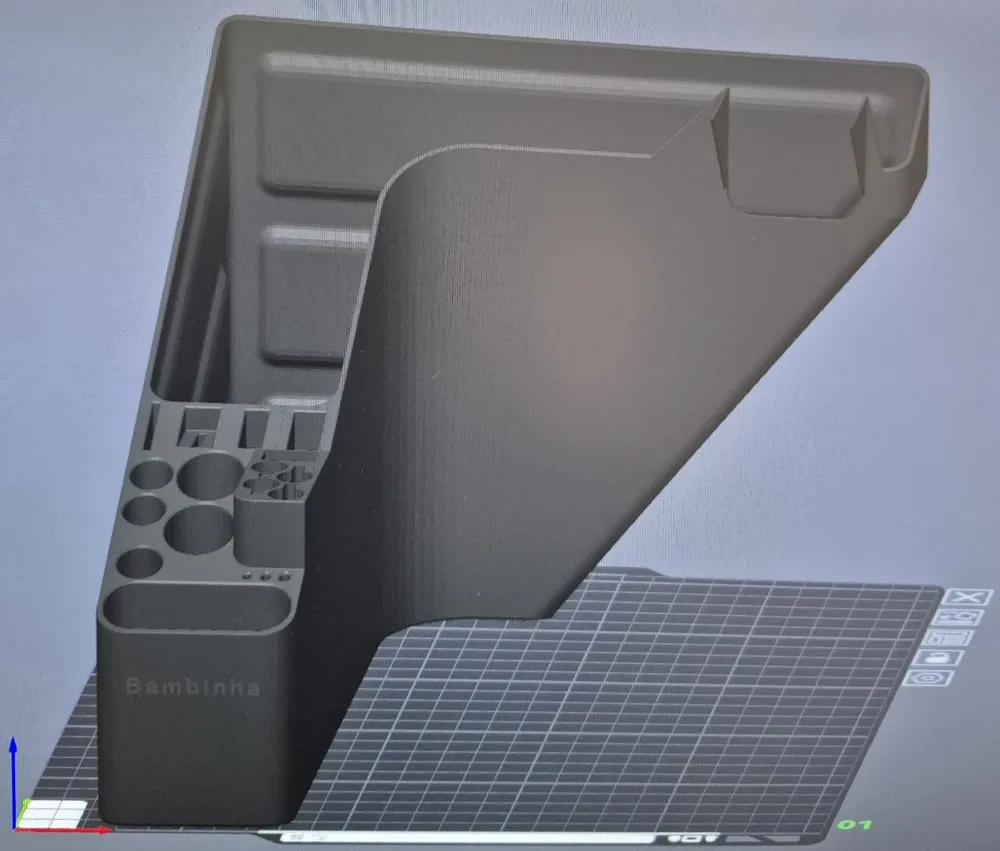
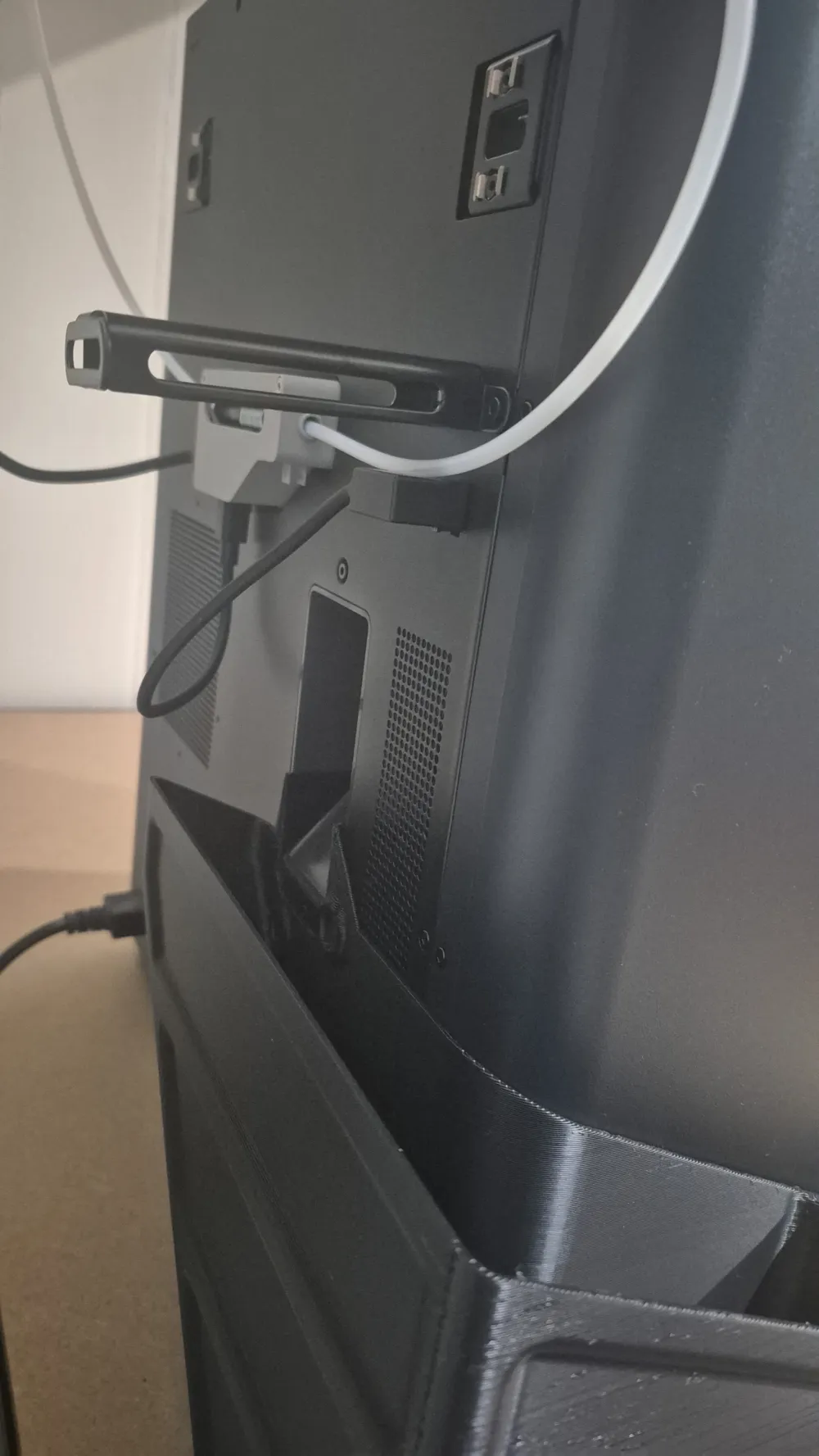
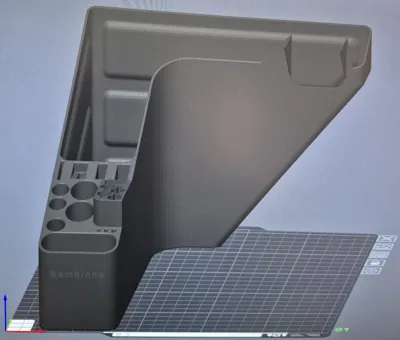
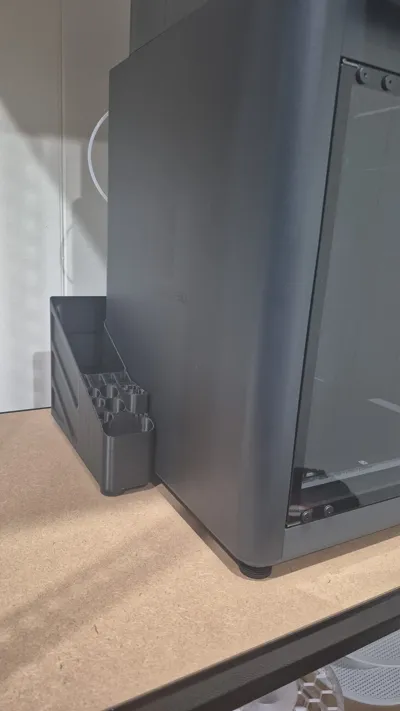
This is a slight remix/change from JetSpool's adaptation work (original eclien's work), as my Spool clips are different, hence I didn't need the 2x holes in the Front Face for holding clips, so I removed it! =D This way you have a simpler and clean face.
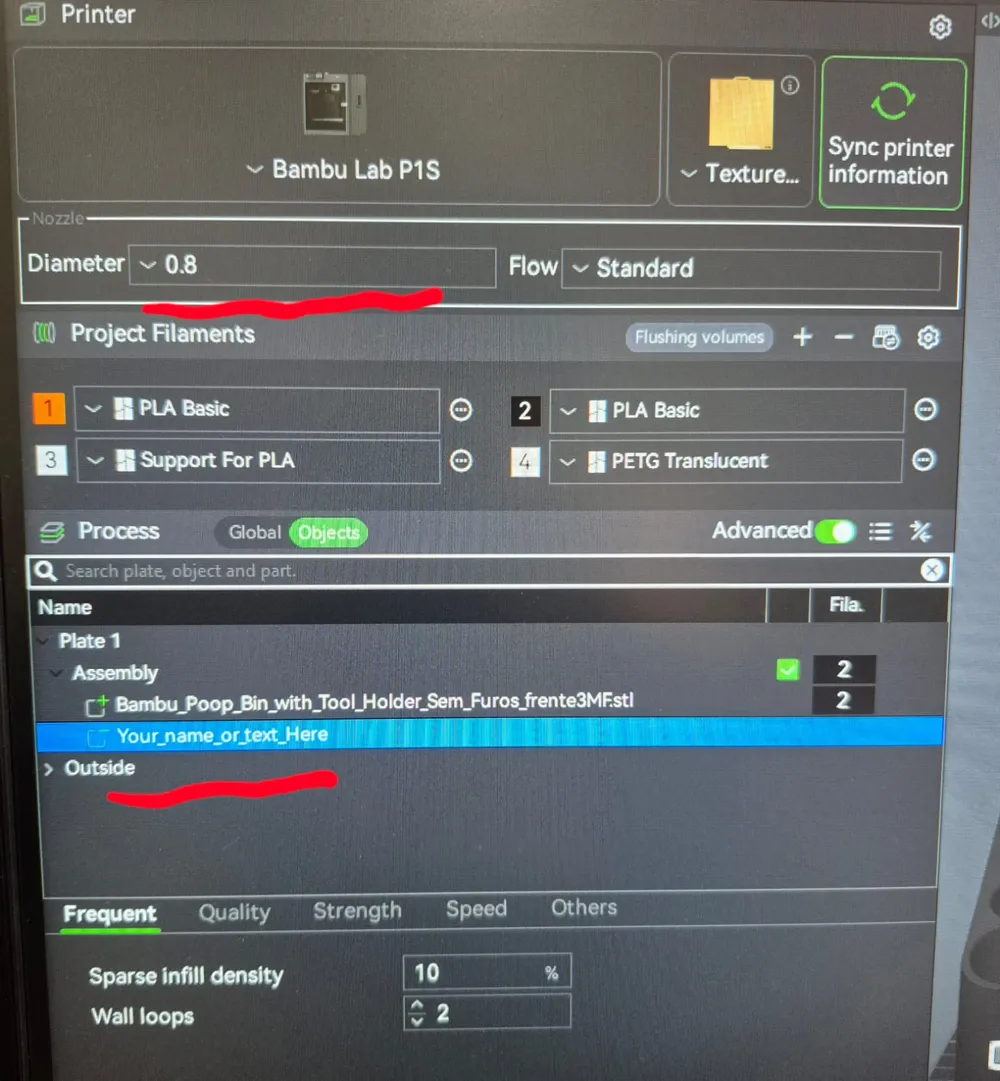
In addition, I normally give names for my favorite toys, like Car, Bike, Boat, etc.… in that case I obviously have a name for my 3D printer: which is “Bambinha”. So, for those that are like me, I've included a Text Negative Part to this project, so that you can “engrave” any name/text you wish in the Front Face of the Poop Collector/Tool Holder, showing your printer name, any funny text, etc.
****************************************IMPORTANT*****************************************
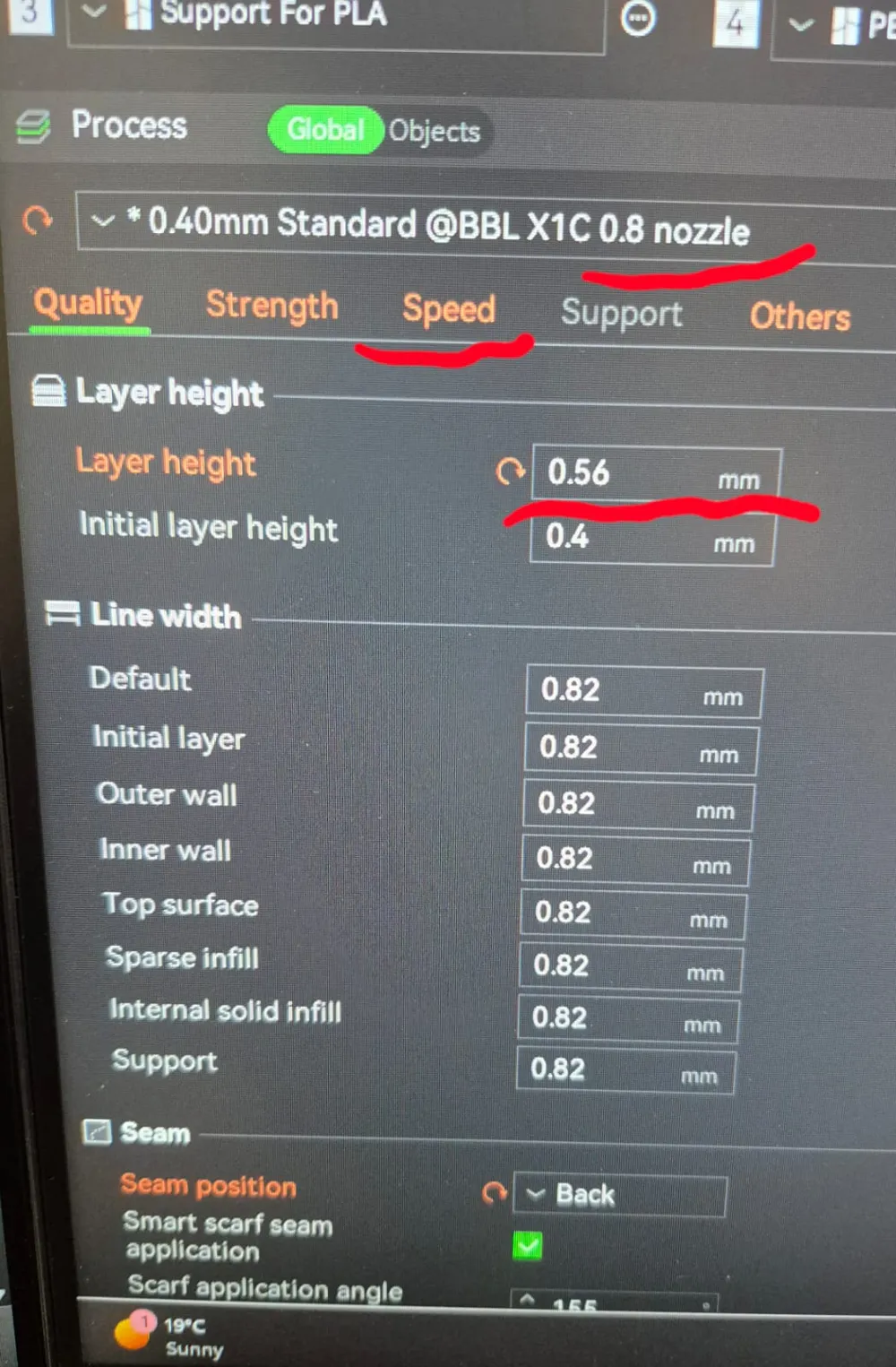
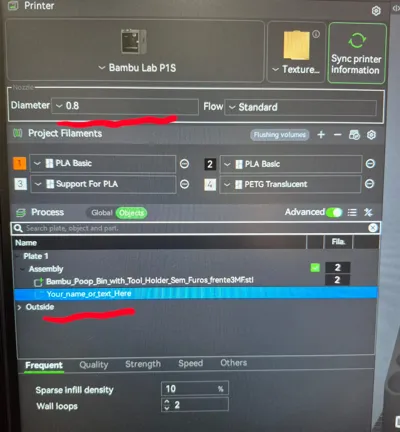
Please NOTE that this file/project is for 0.8mm NOOZLE!
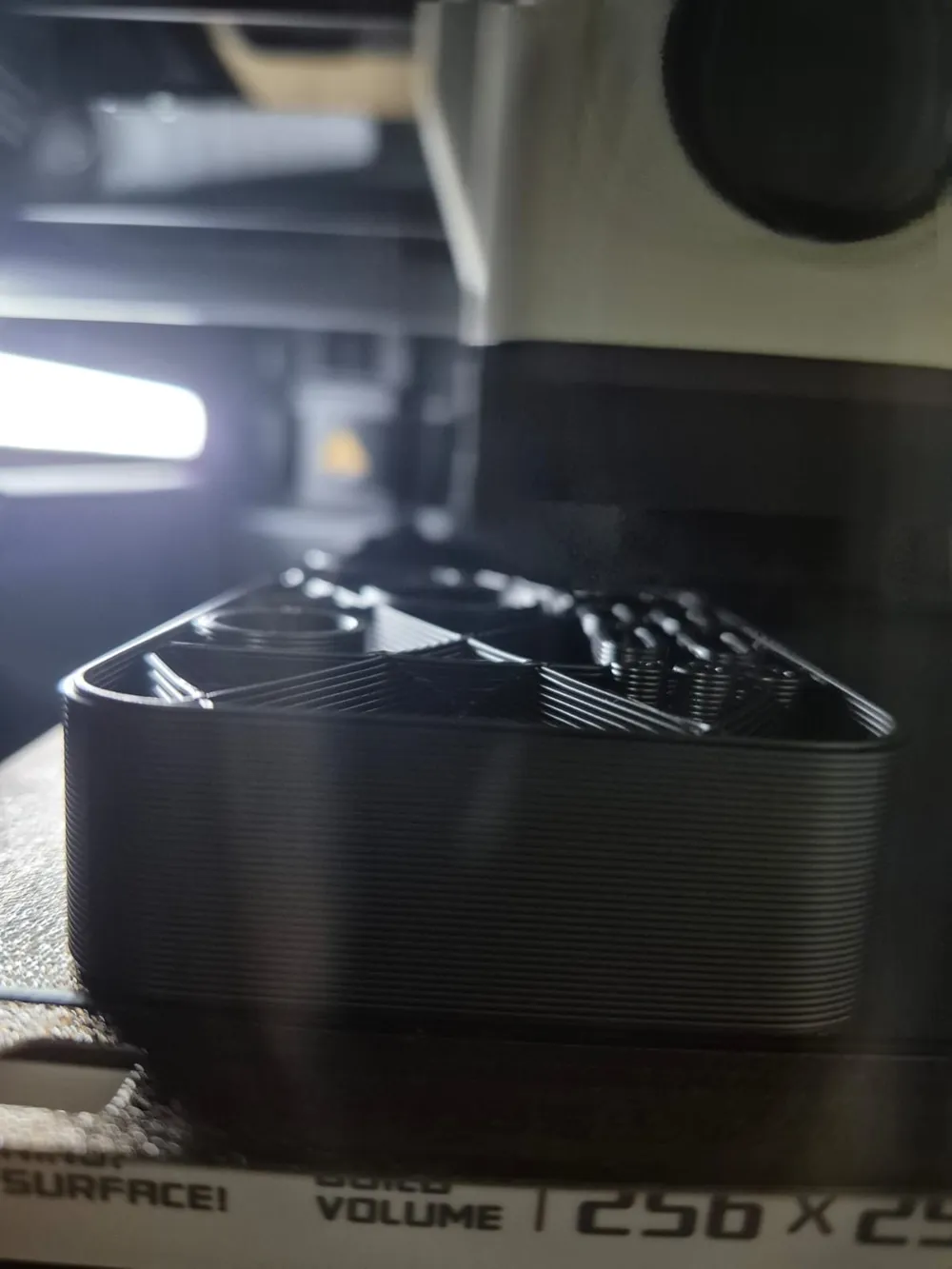
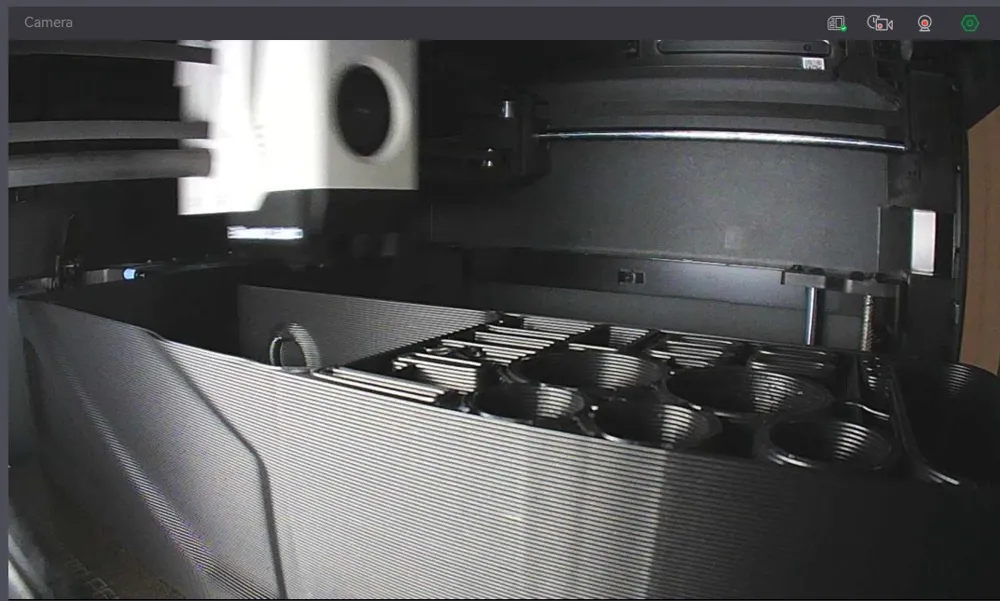
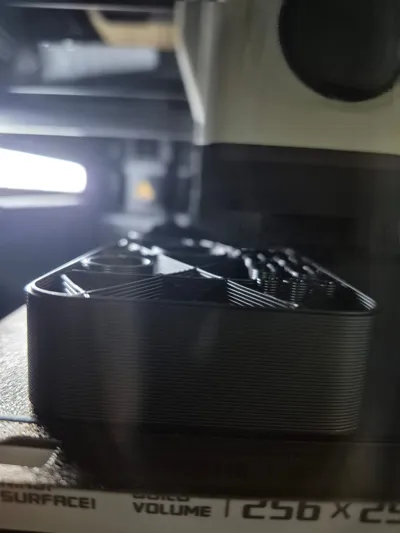
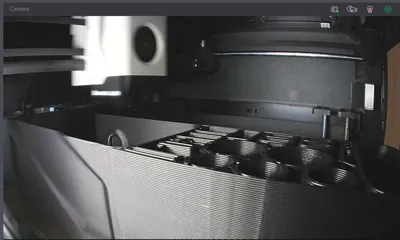
THEREFORE, it prints much QUICKER: 6HRS (3 hrs. less compared to JetSpool's project), BUT it lacks fine details (I don't mind since it is just the Poop Collector for the printer), even though it was very well printed!
SO, if you are looking for a very fine; detailed; pristine part, this may not be for you! However, it still printing perfectly and it does the job exactly as it should (even without the magnets)
------------------------------------------------------------Global Settings Changes------------------------------------------------------------
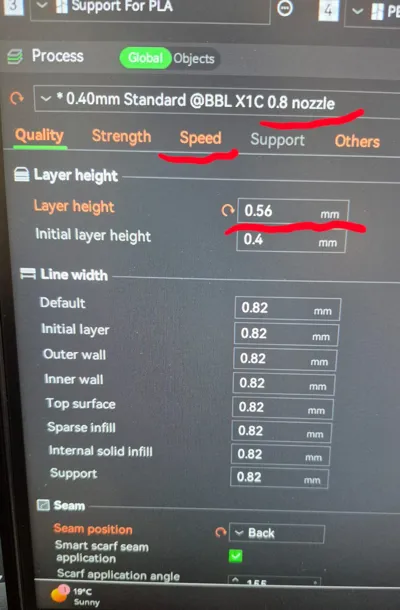
*Aiming for printing time, I used:
0.56mm Layer height
Increased Inner Wall speed to 160mm/s
Increased Sparse Infill speed to 120mm/s
Increased Internal Solid Infill speed to 170mm/s
Used Standard/Normal speed printer (Changing it to Ludacris will cause layer issues with these config - too quick!)
-------------------------------------------------------------------------------------------------------------------------------------------------------------
Using the config above reduced the printing time by ⅓, as mentioned above, however it slightly increased amount of material (35g more)
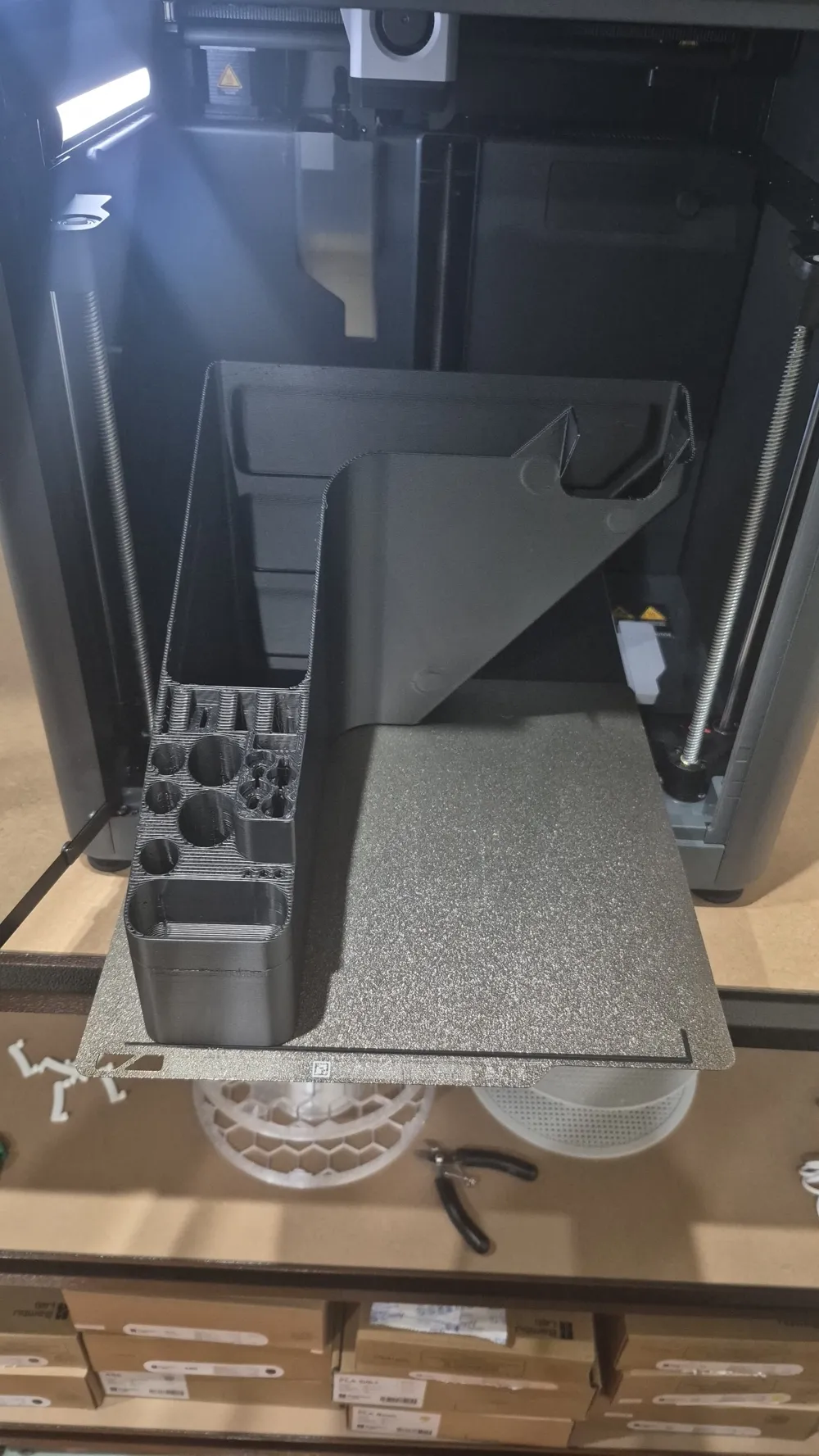
I have used P1S to print it.
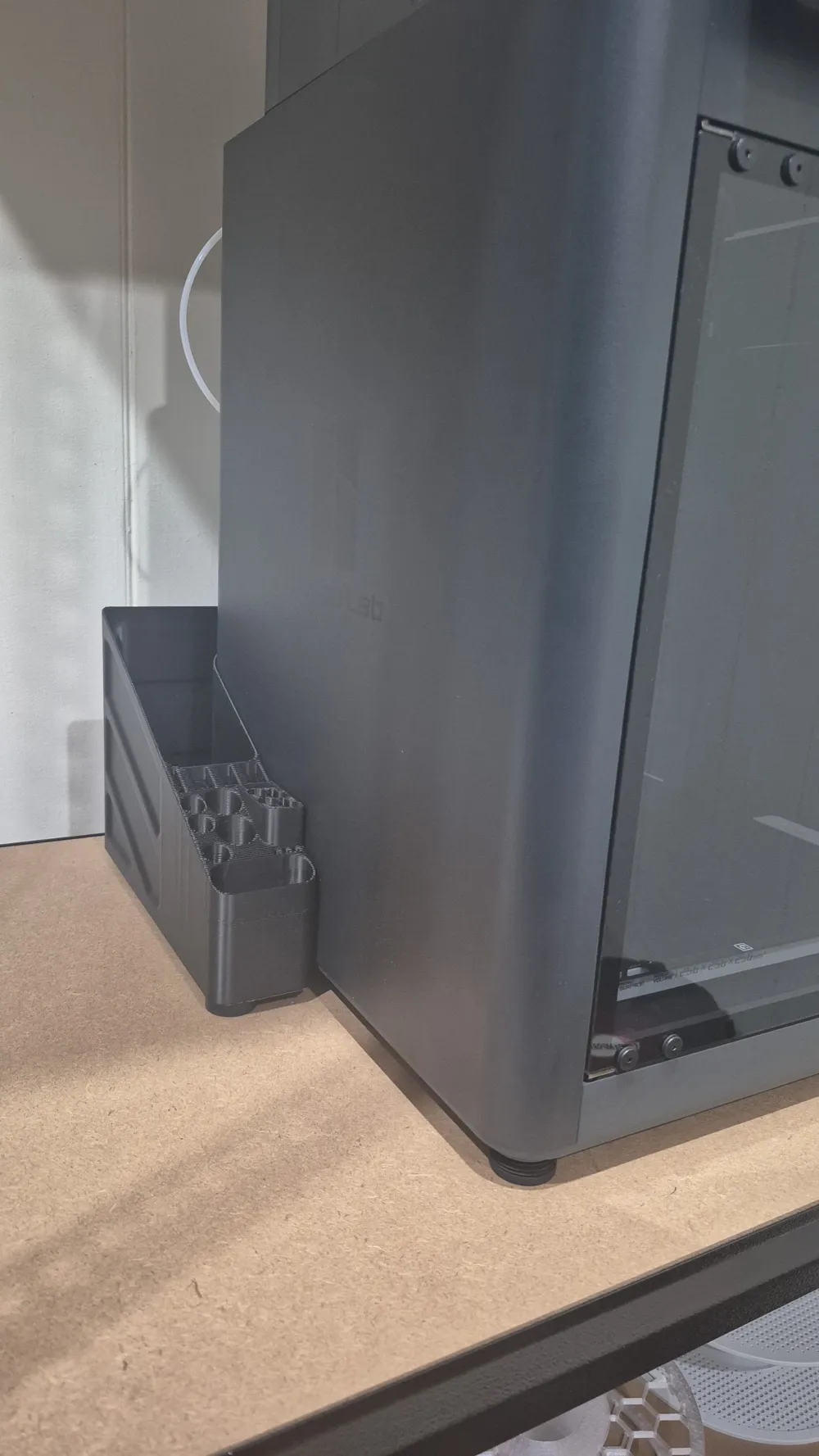
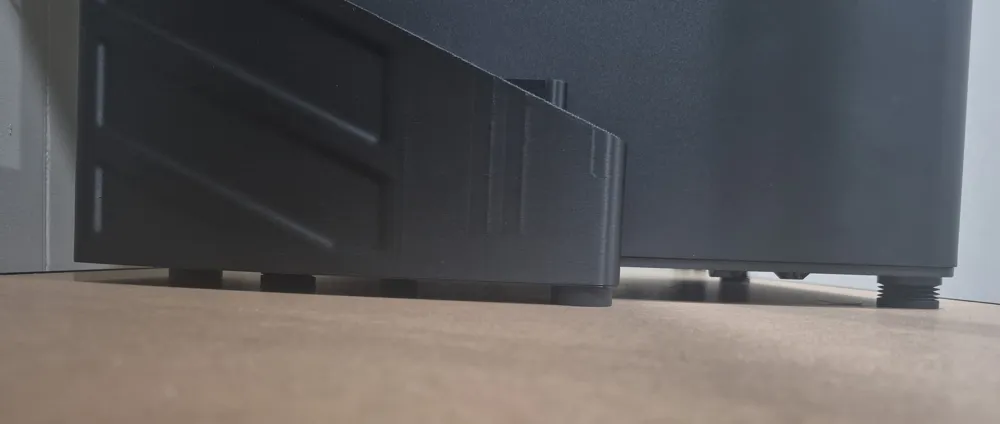
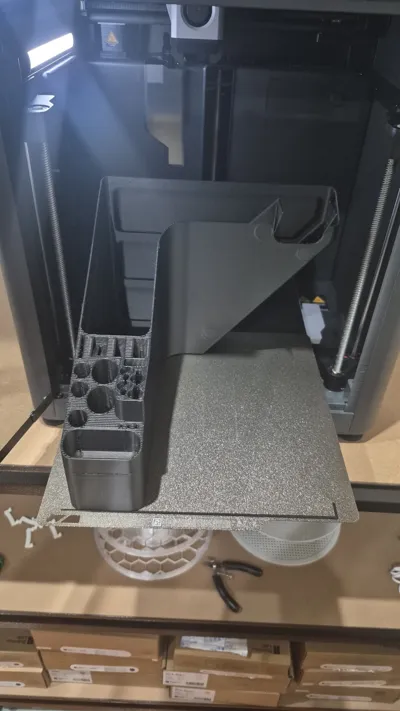
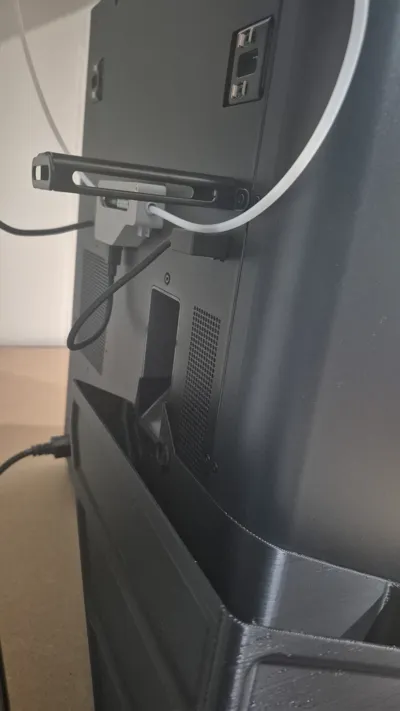
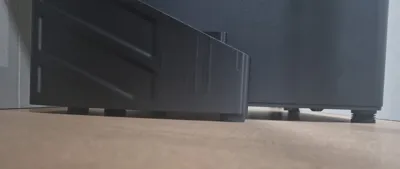
*My Printer has the Anti-Vibration feet (2025 version) installed, so the “opening” for the purge chute was slightly lower than the actual bottom point of the purge chute. Because I didn't have anything to do with my original feet (still had a very amount of glue on it), I used it underneath the Poop collector to align the holes and it worked perfectly! (see 5th photo of this profile).
*So basically this print is designed for printers with the original feet; however it also works perfectly for printers with Anti-Vibration feet if you use the original ones underneath the printed part.
Printed using Bambu Black PLA Basic filament.
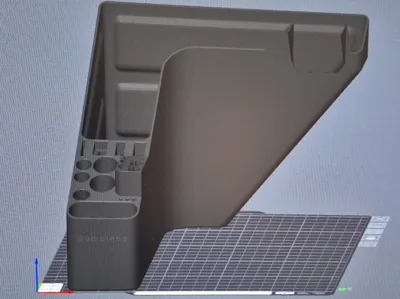
Thanks to the original project creator's, the angles are not bigger than 45º, so NO SUPPORT needed for this print.
There is only 2x internal overhang walls for the Disc Magnets holes, on which the printer handled it totally fine without any support!
As the part uses most of the build plate, the first layer may bond to the Custom filament, however it did not cause any damage to the part when I removed mine using tools.
Let me know If you have any suggestions/improvement/feedback for this model/project. If I find spare time, I can possibly work on editing the 3D model and personalize it for you.
This remix is based on


License



Comment & Rating (10)