
Sudoku Book V2
Print Profile(5)
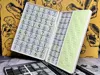
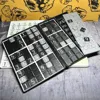


Description
Please read before printing:
Please allow the book parts to cool down completely before removing them to avoid warping.
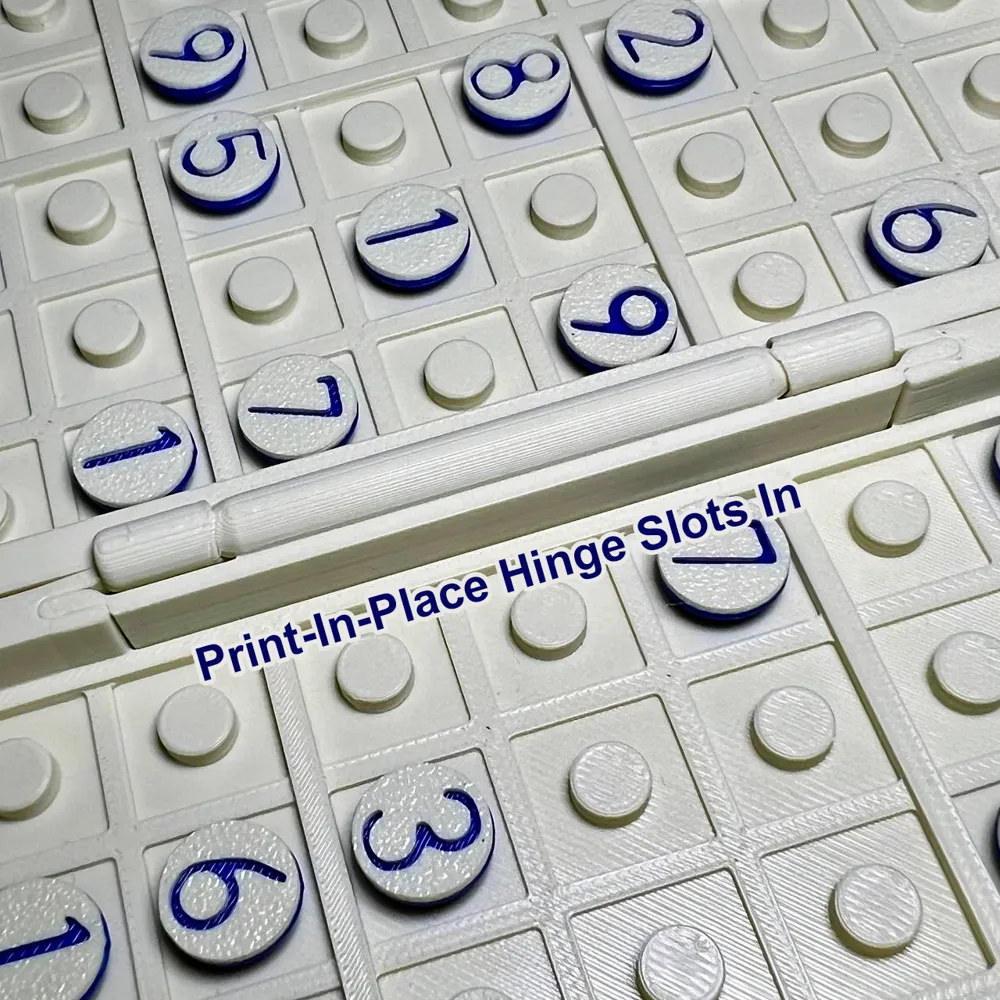
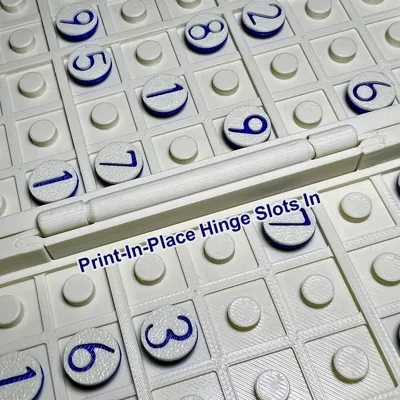
Please do not separate the hinge pieces, the positioning is very tight and precise- messing with them will most likely cause a loss of time and plastic.
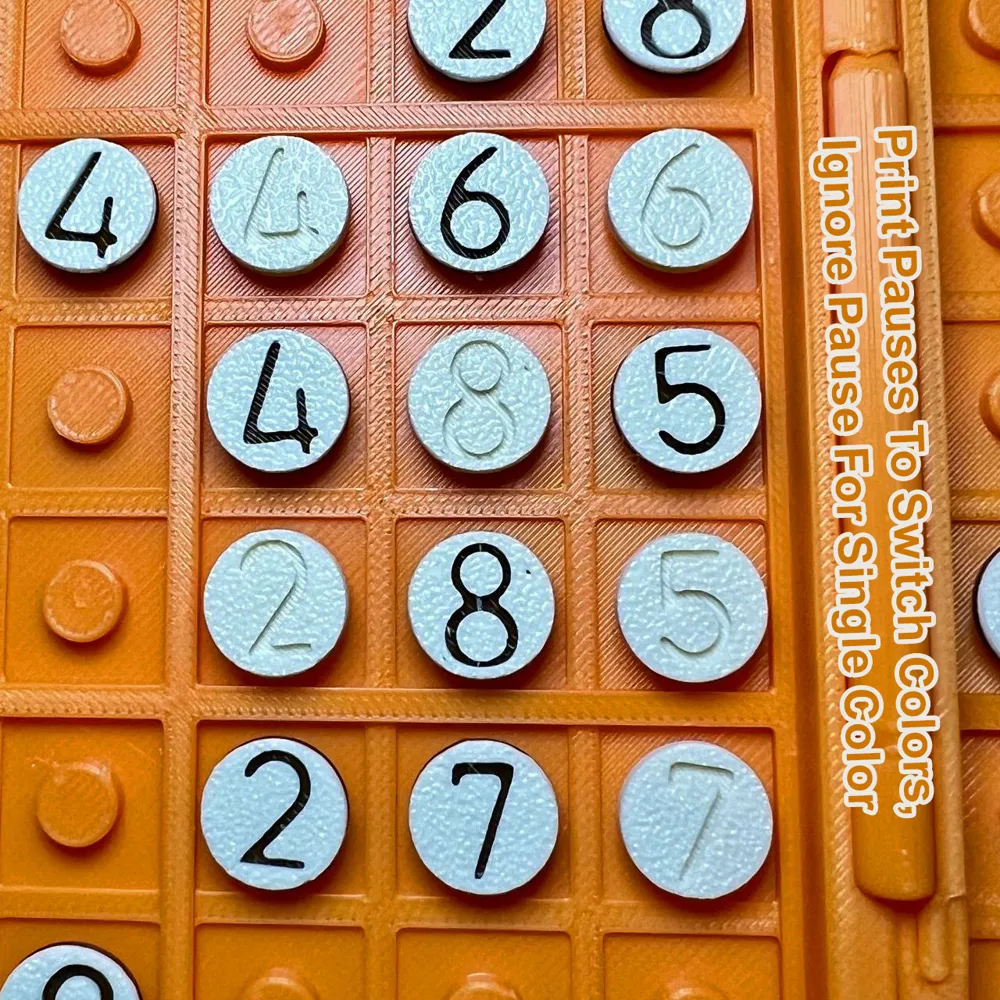
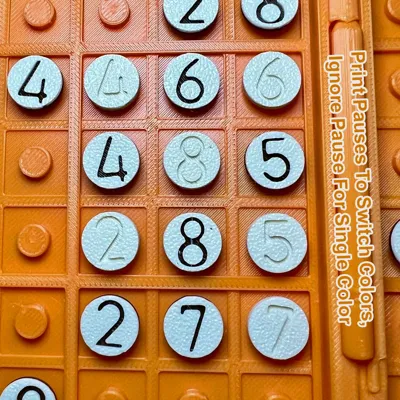
- The V1 and No-AMS V2 print profiles include pauses when printing the number pieces; this is so you can switch the filament color to provide contrast for the numbers. (Feel free to remove or ignore the pause if you desire to print them in a single color)
02/23/2026 - Version 2 Release
I've added two new print profiles for an updated version of the Sudoku Book!
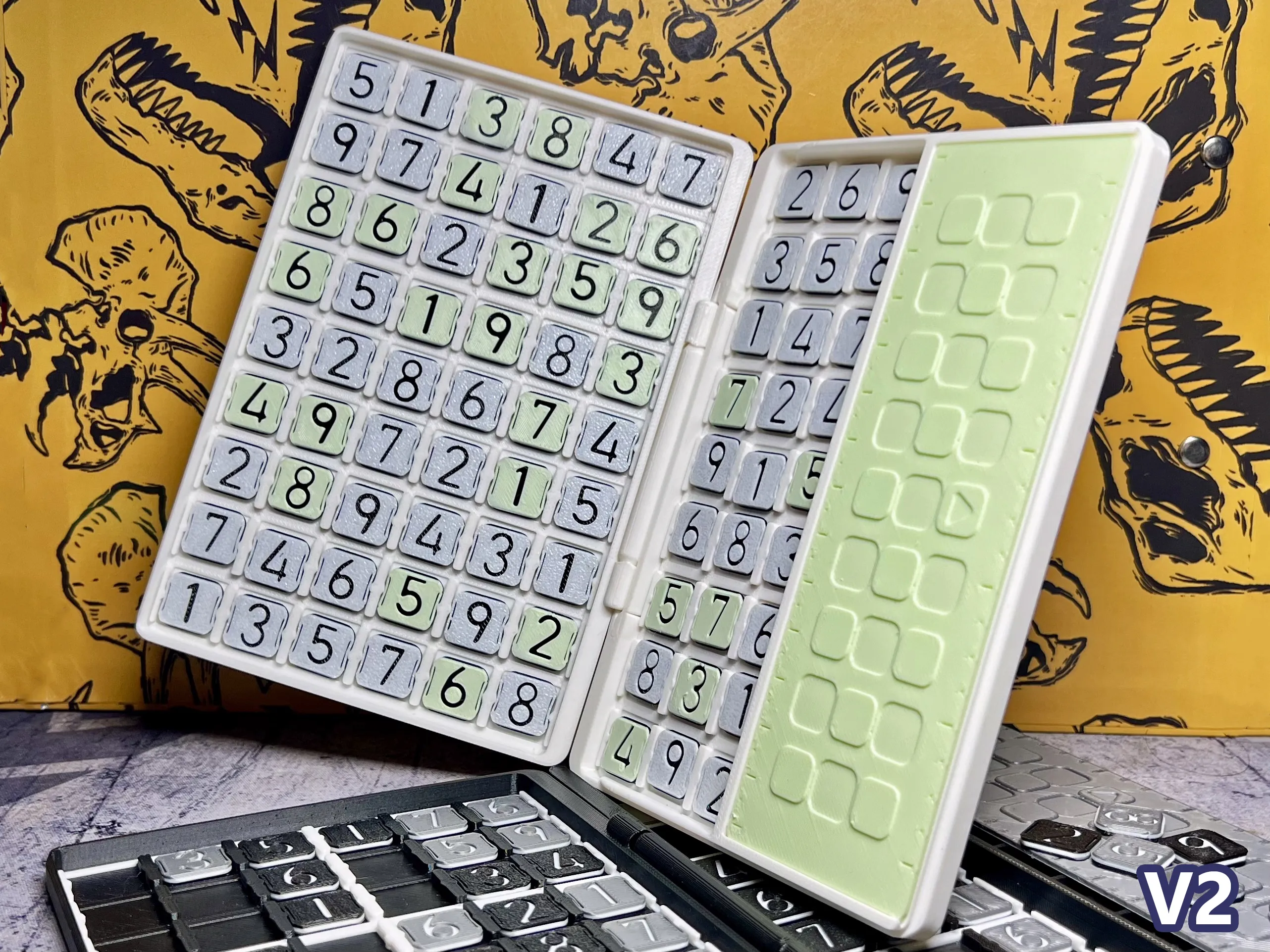
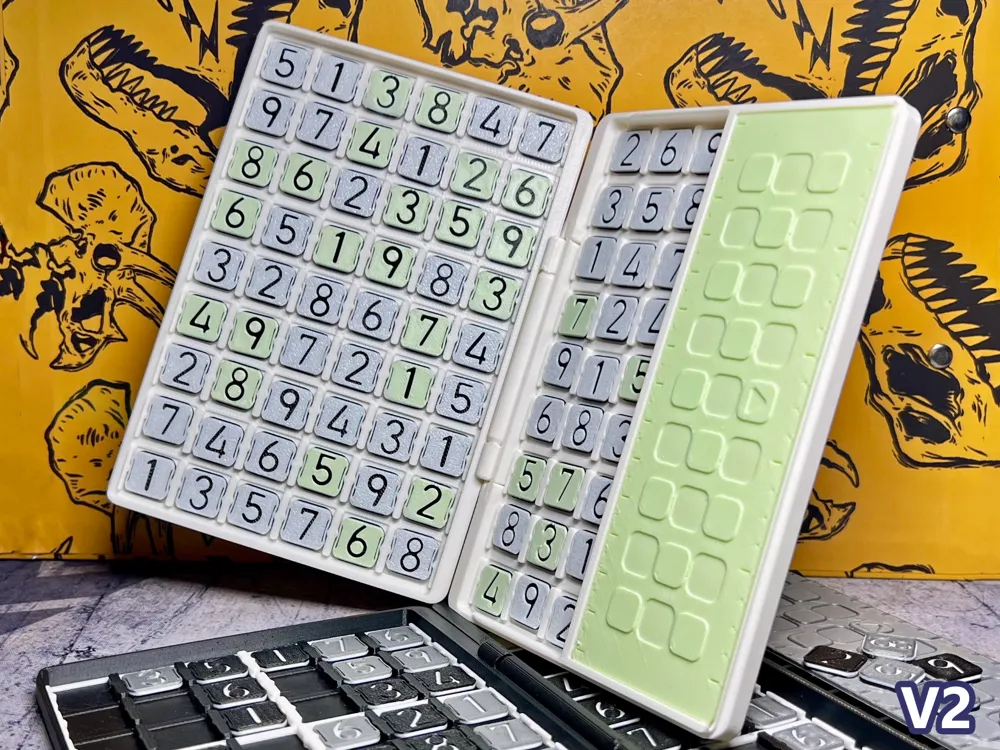
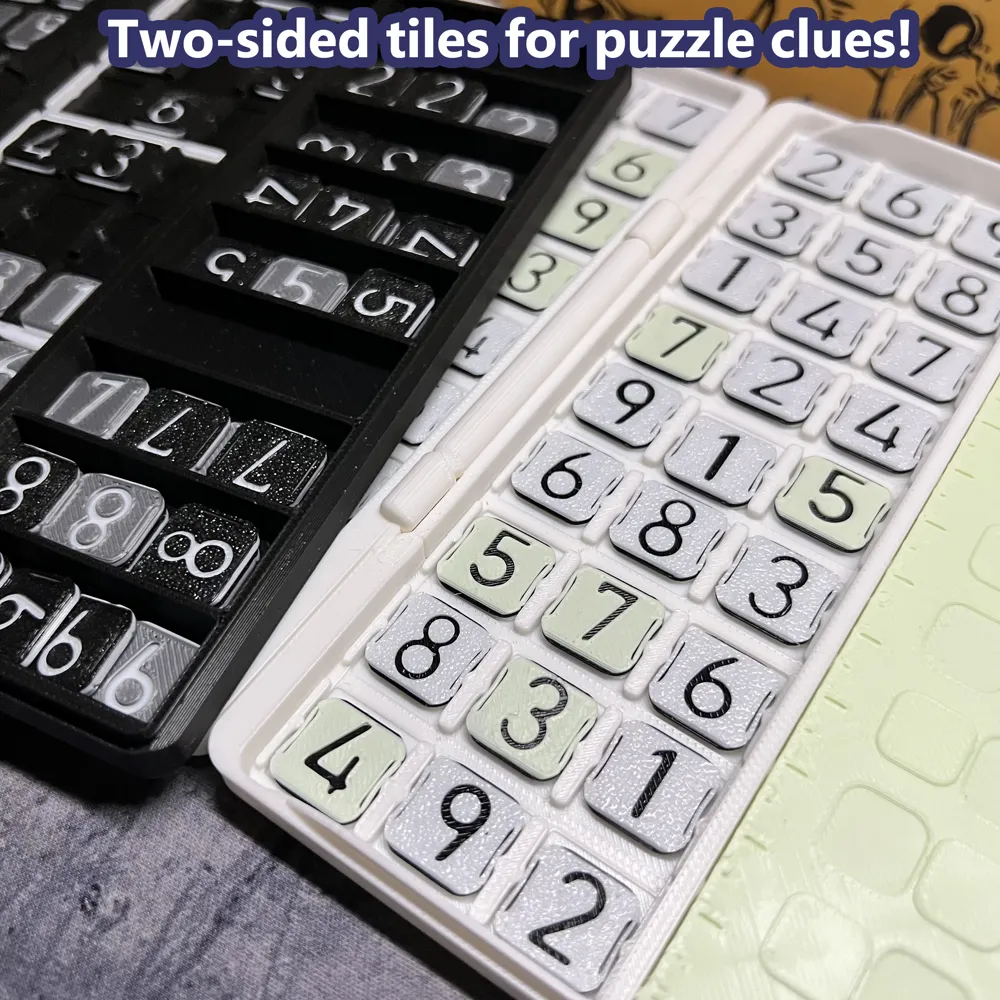
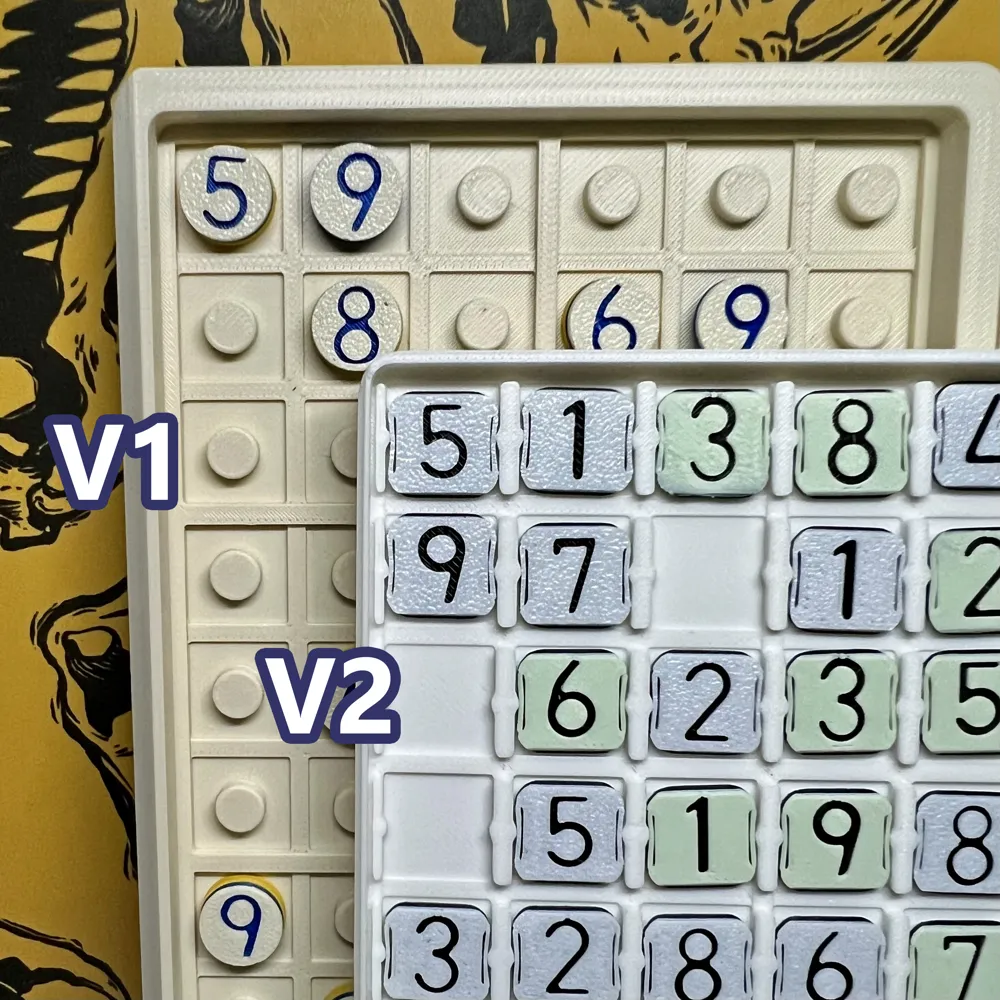
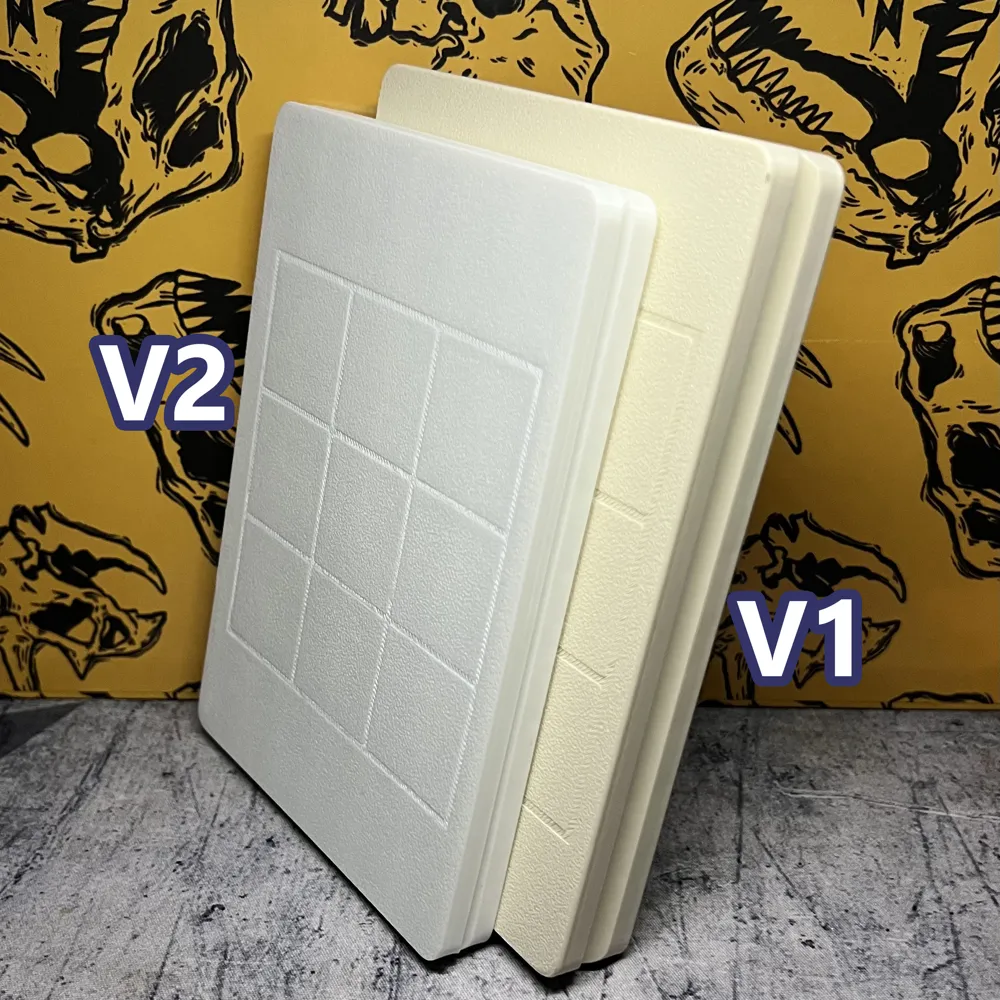
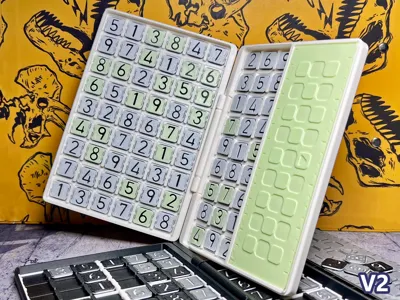
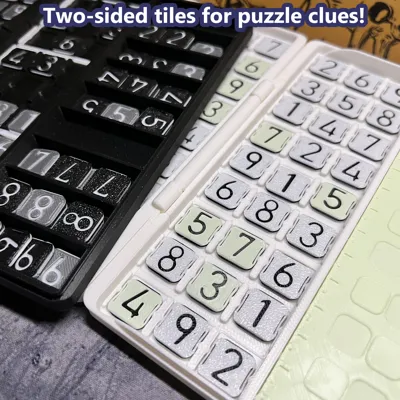
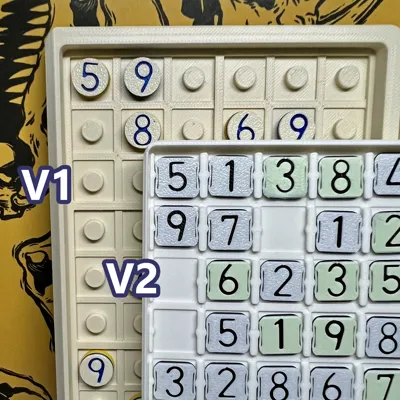
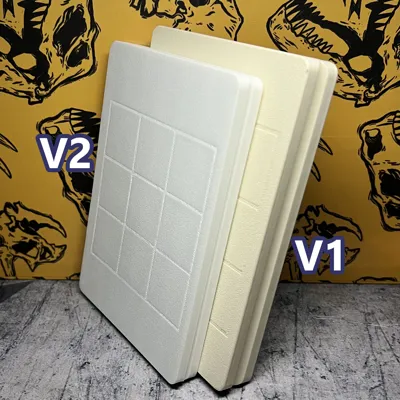
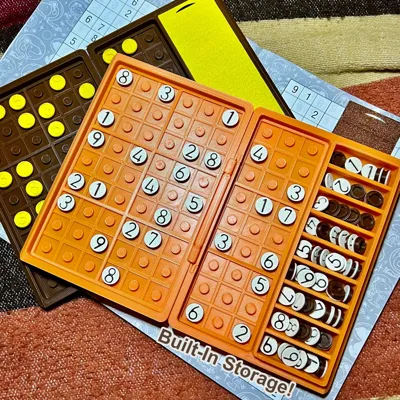
This new version is smaller, thinner, and easier to use than the original. The number pieces are now flat tiles with two sides, to be able to use the same tile as both a playing piece as well as a puzzle hint (the new tile design uses 2 pauses instead of one to achieve this). The whole playing piece is completely different and uses a different attachment method.
This new design is much easier to pop-out, but so far I haven't had issues with them doing so on their own outside of literally dropping the book to the ground (which please don't do that). The tiles are relatively small and rather detailed, so it's possible for them to have adhesion issues on the first layer; please make sure the printer plate is well cleaned and apply glue stick if necessary.
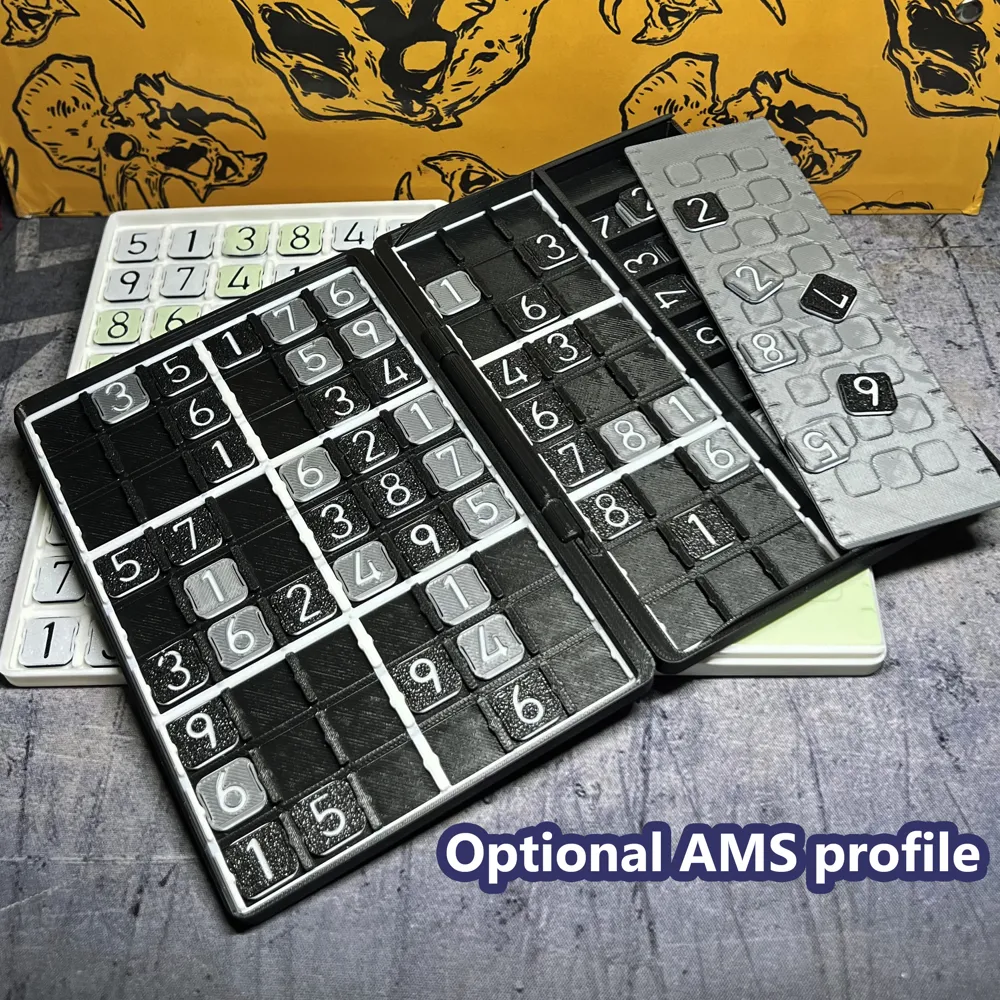
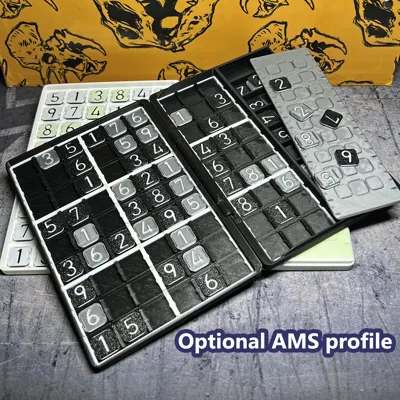
Additionally, there's now a proper AMS-enabled print profile, so people with one can just use that instead. The AMS print also adds color to the playing area to make it easier to tell where a 3 by 3 quadrant begins and ends.
The tile compartment door is now a slide-in instead of a pop-in closure. As a little bonus, it also can be used as a 14cm/5inch ruler.
Original text:
I had been thinking about making a Sudoku playset ever since I first learned how to design stuff for the 3D printer, and well here it is.
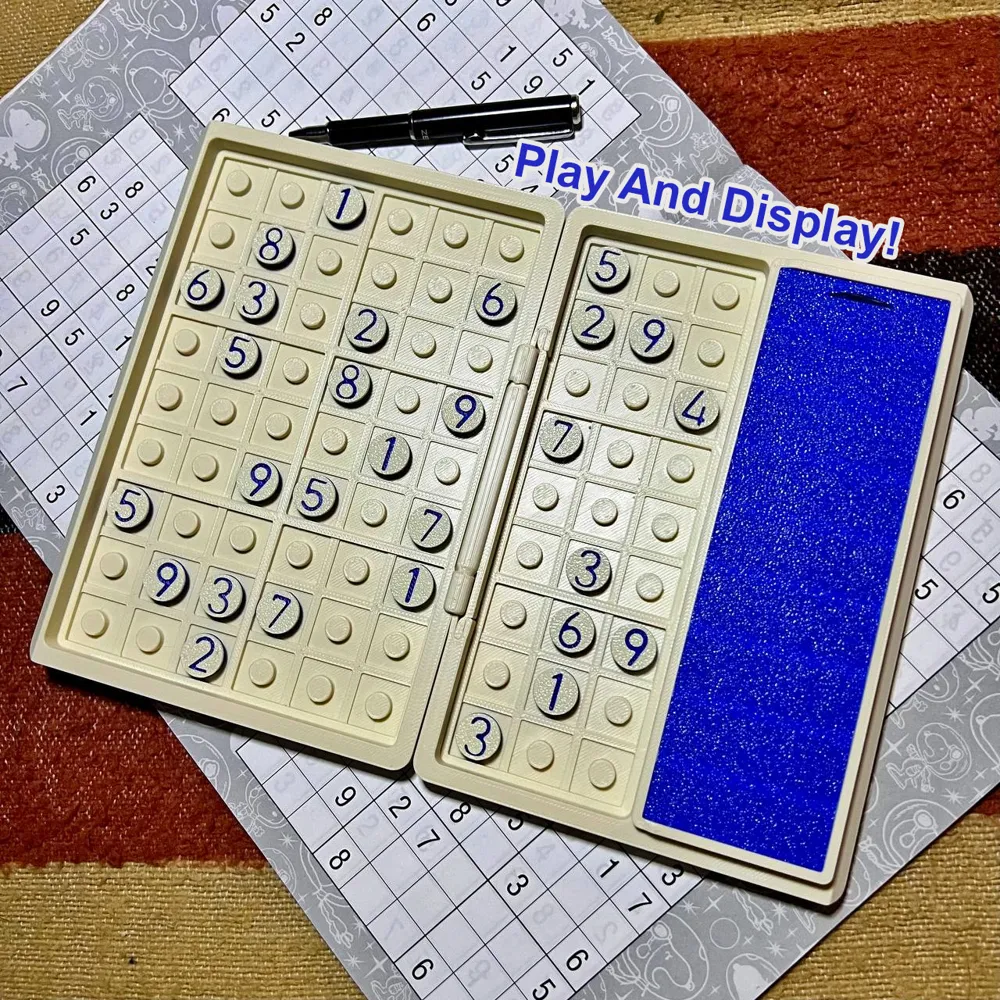
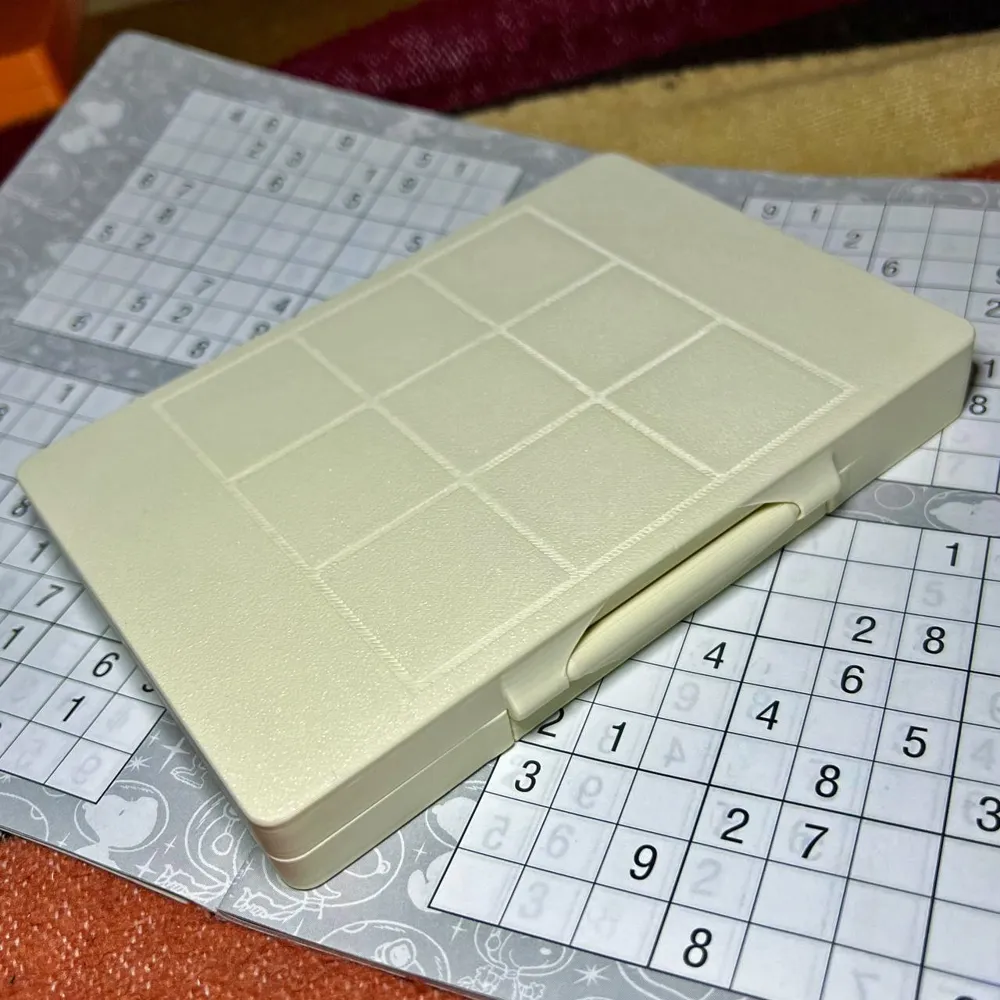
This playset is pretty substantial, but still easy to store and carry around. It folds in half using a print-in-place hinge and is about the same size as a pocket book once closed.
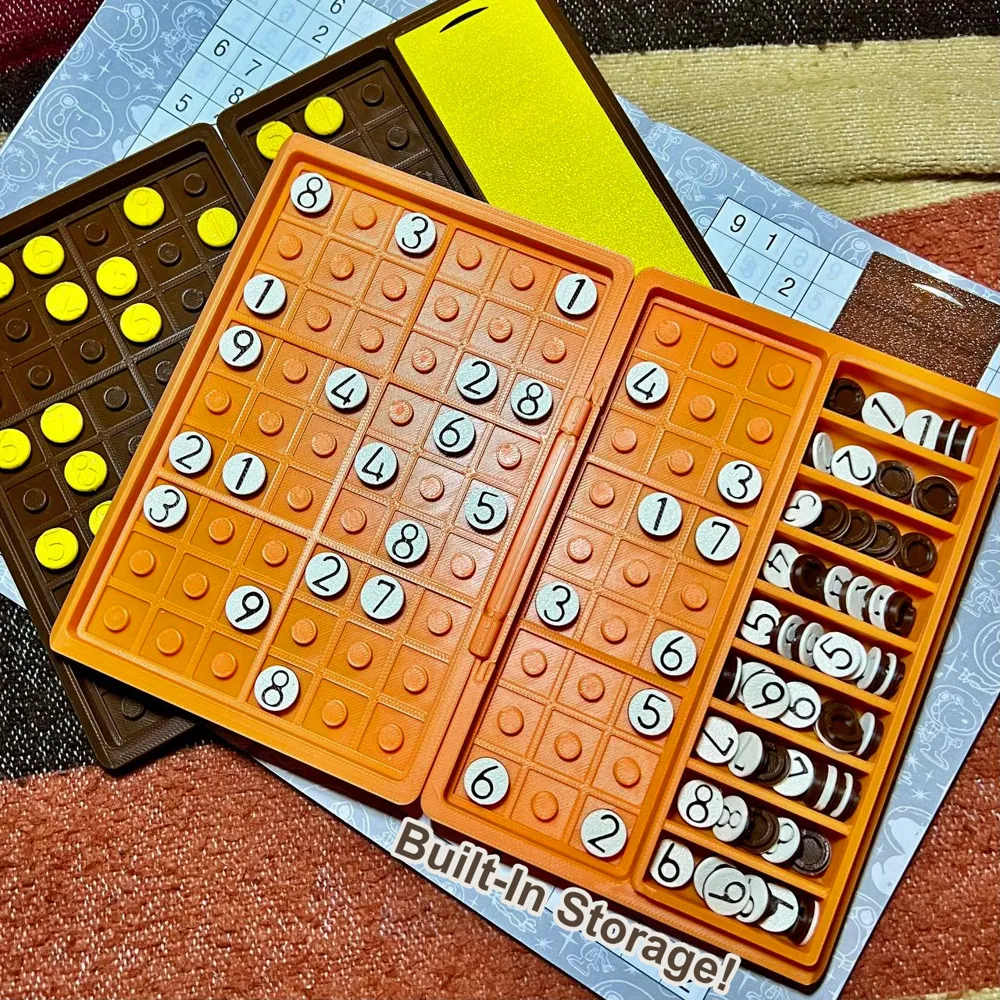
It includes storage space for all the number pieces, and you can keep them sealed in using the bookmark-like piece (it snaps on). The number pieces snap into the pegs in the board, and they stay attached quite securely (it may actually be a little difficult to remove them the first few times! Please do so carefully to avoid hurting yourself or losing any pieces).
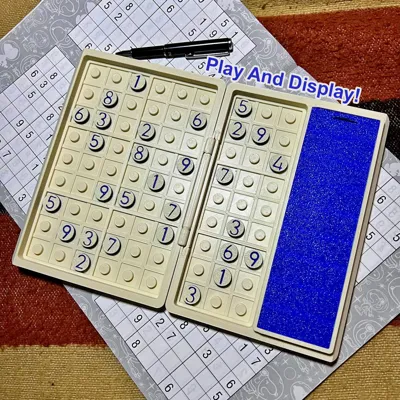
You can copy a Sudoku pattern from a book or other source, and solve it at your own pace. Then once you're done (or even if you aren't), you can proudly display it (the book can stand up if you leave it half-open) until you're ready to start a new puzzle.
I like to think it's a great toy to liven up a desk, and to distract yourself with; to destress without a screen.
The print profile is made for the A1 Mini and the book comes split into two pieces- the hinge is still printed in place and comes attached to the lid part, just snap it into the bottom part and it should stay attached even without glue. It can also be fun to mix and match lid and bottom colors. Additionally, don't feel restricted to using the book as I show in the pictures (with the storage to the right), you can rotate it and use it any orientation you want.
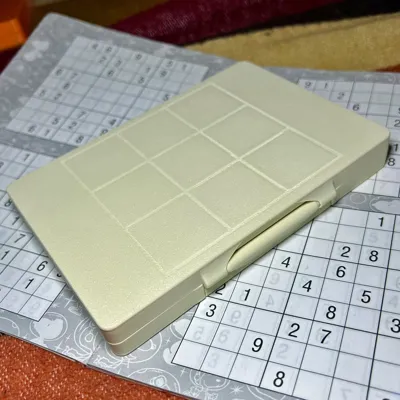
(Bonus: you can play tic-tac-toe on this)
License



Comment & Rating (26)