
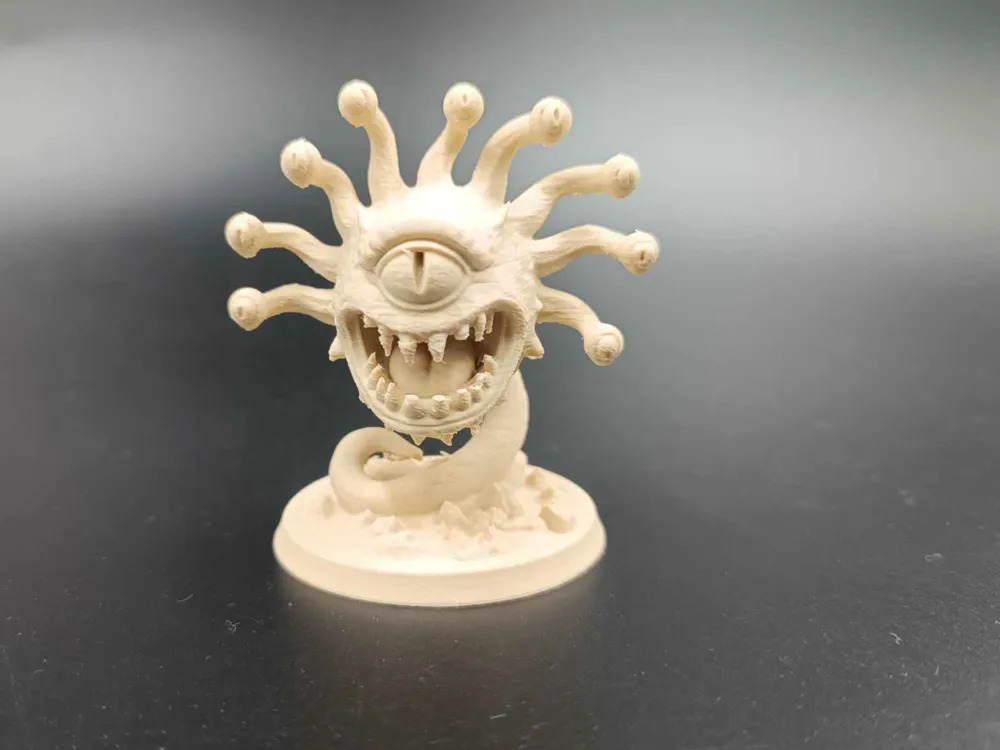
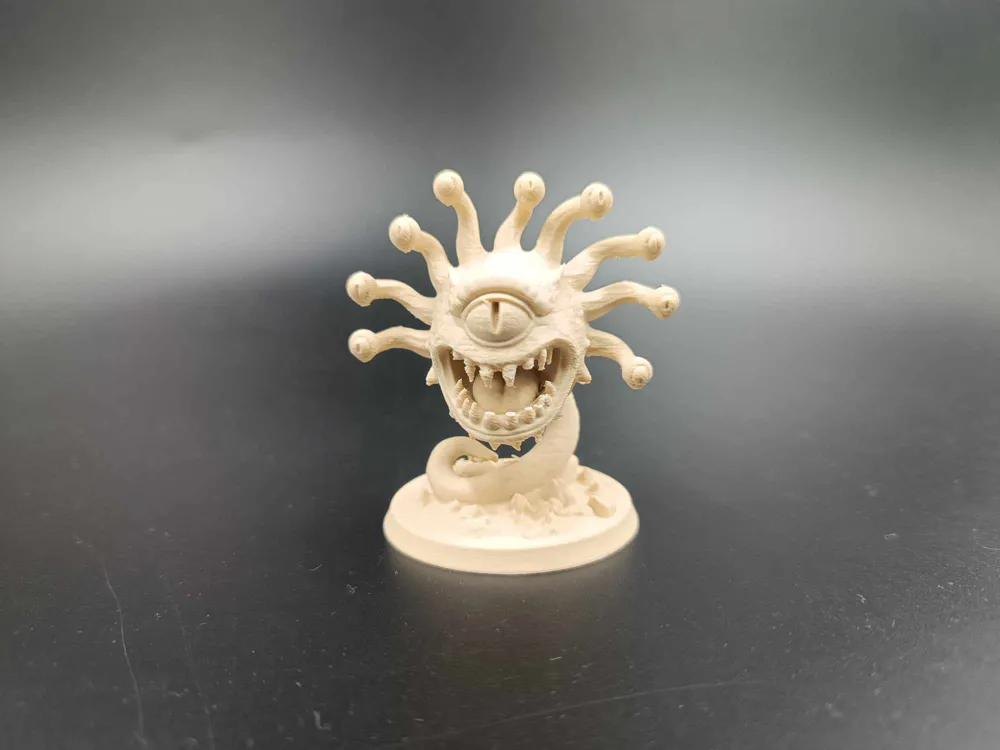
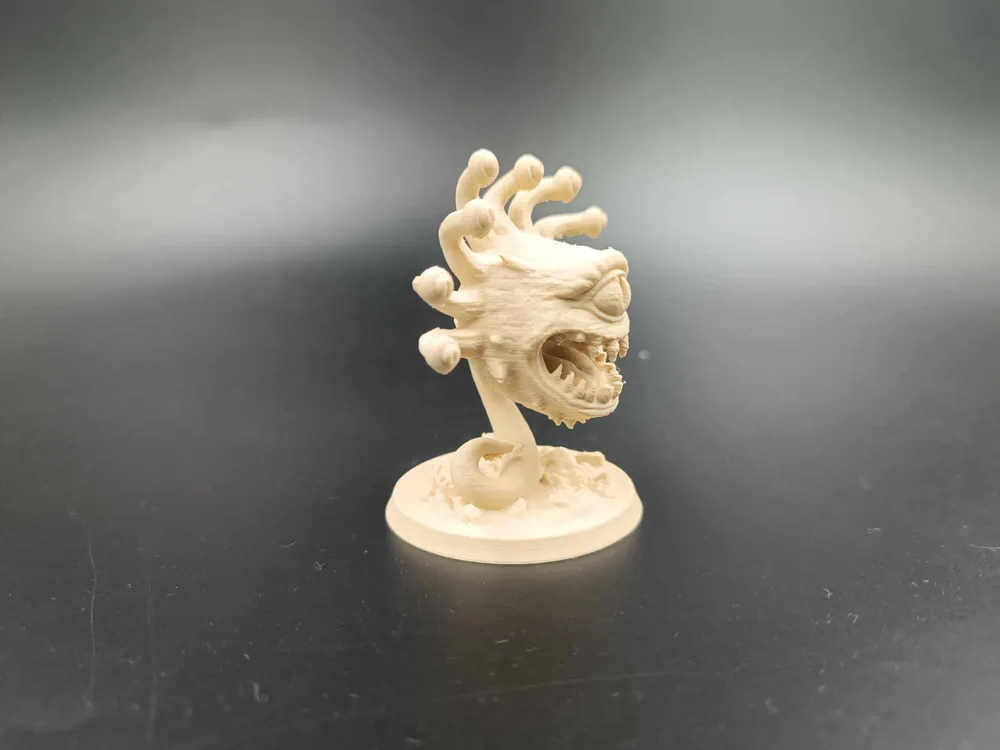
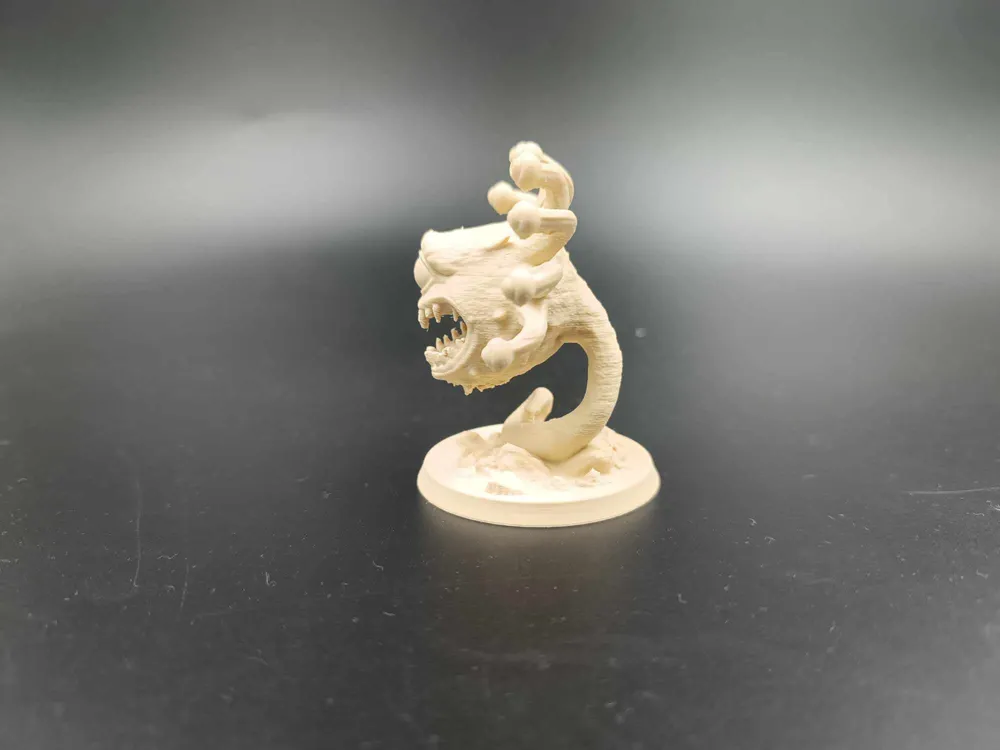
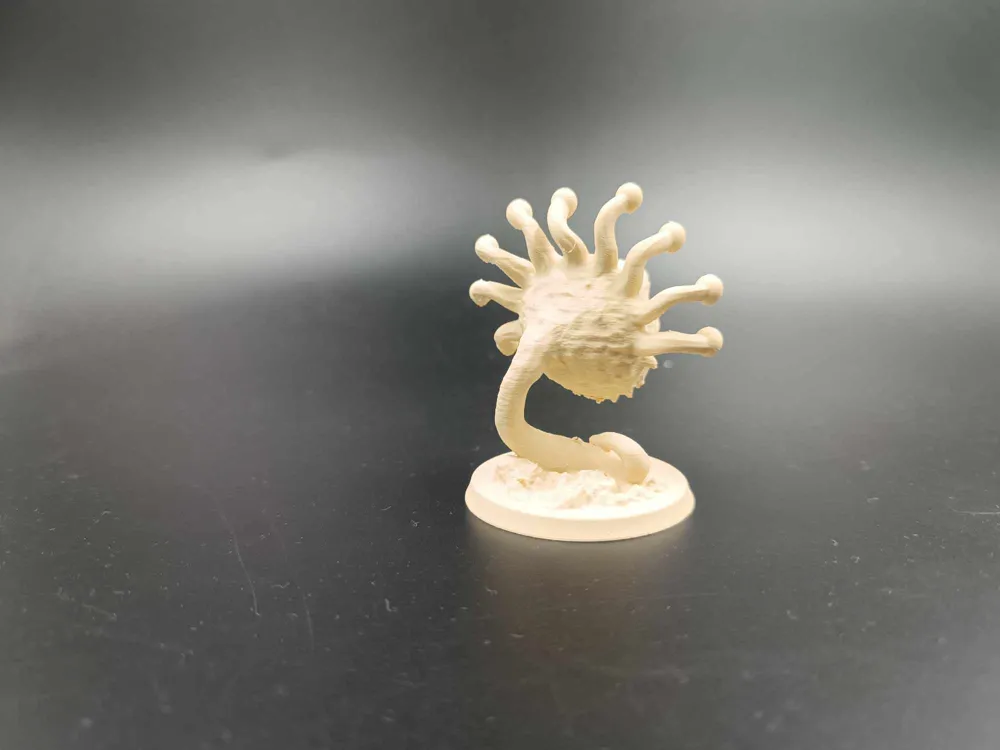
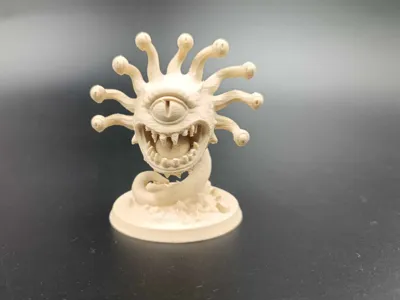
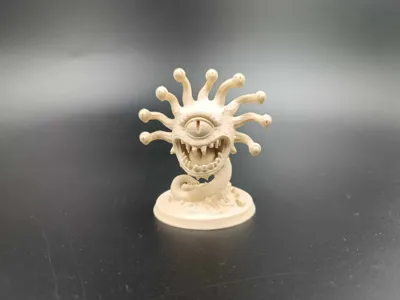
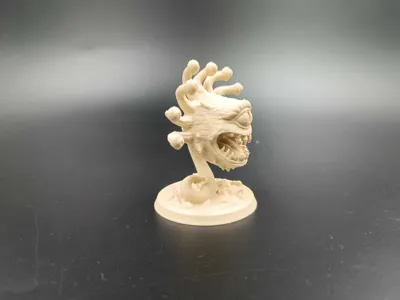
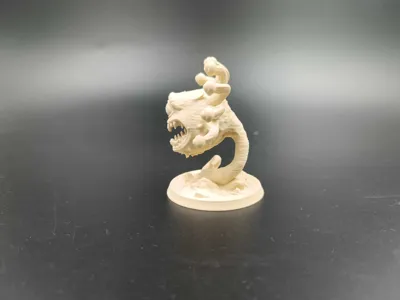
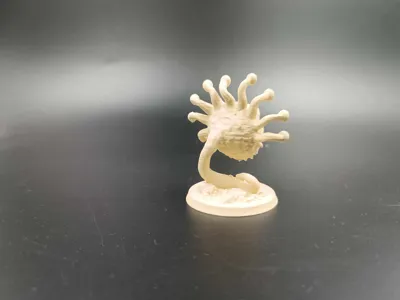
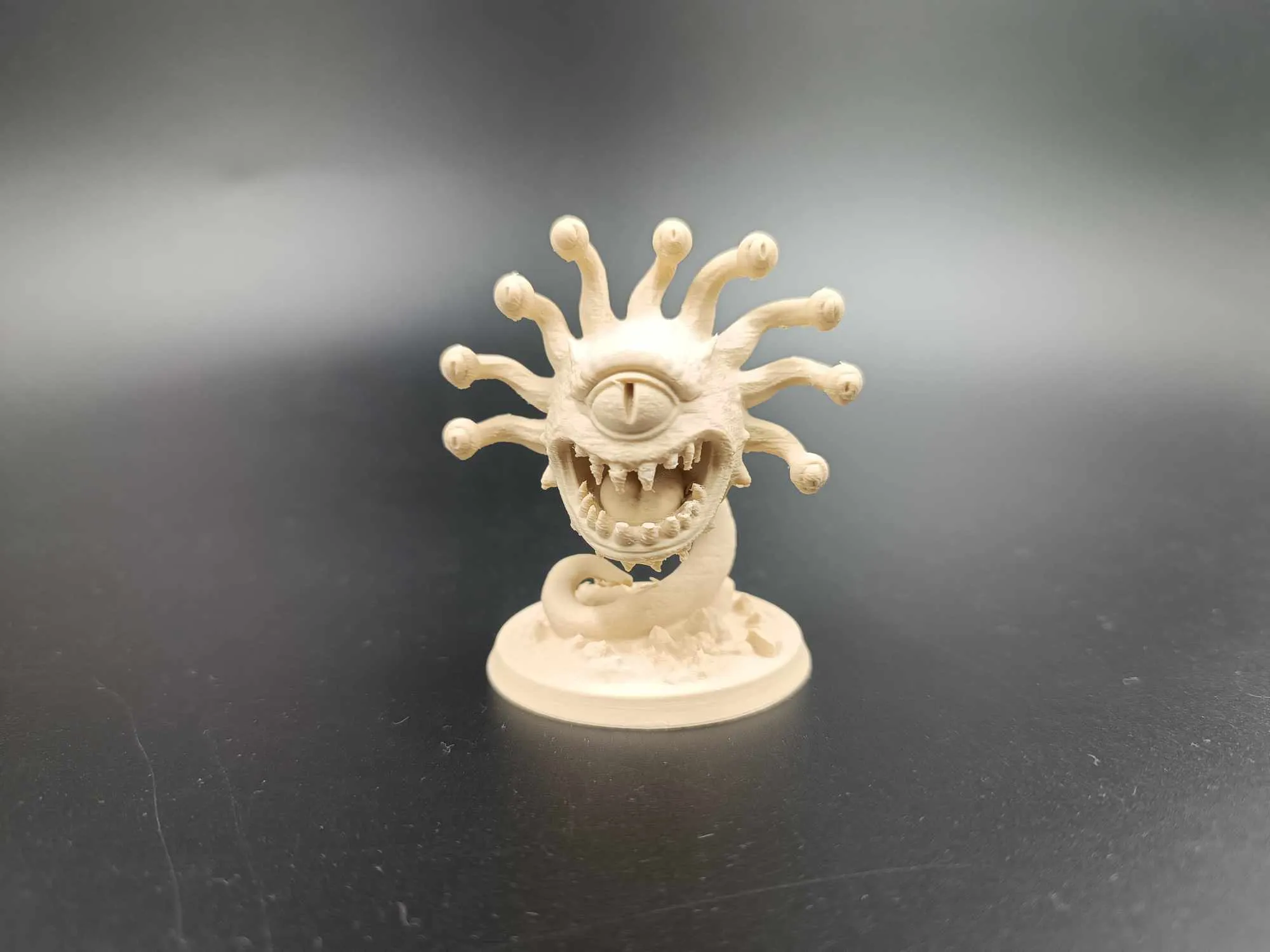
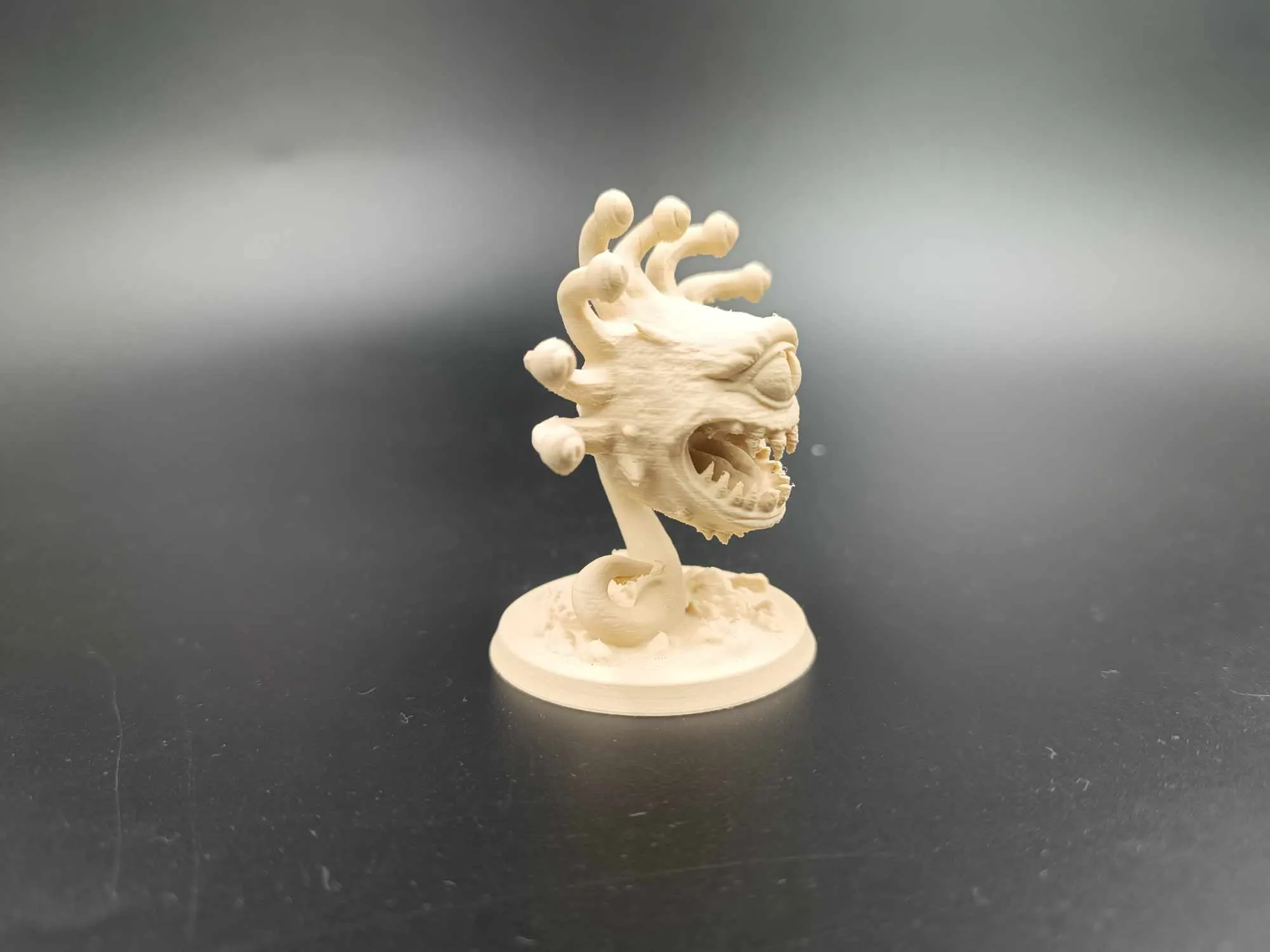
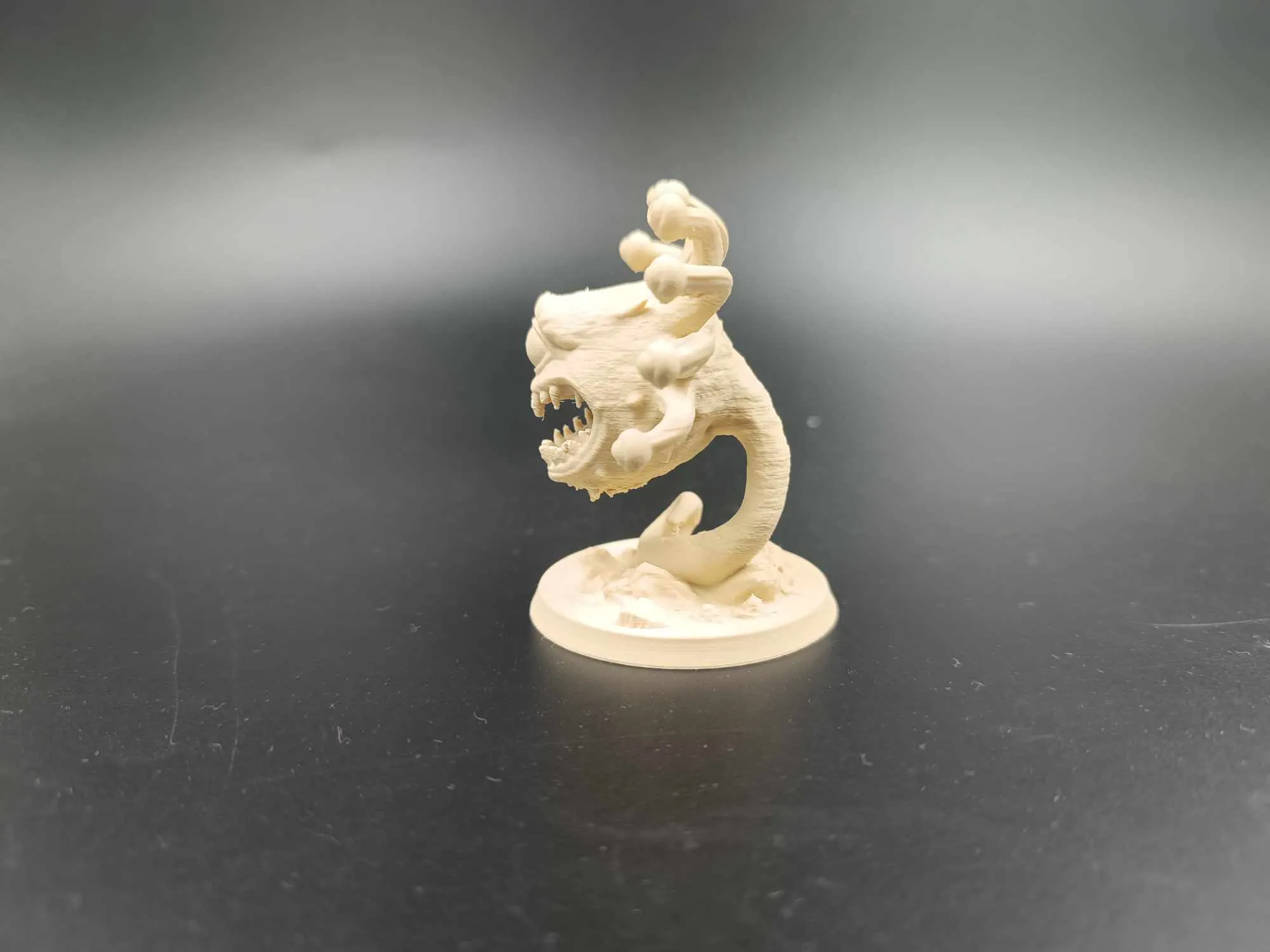
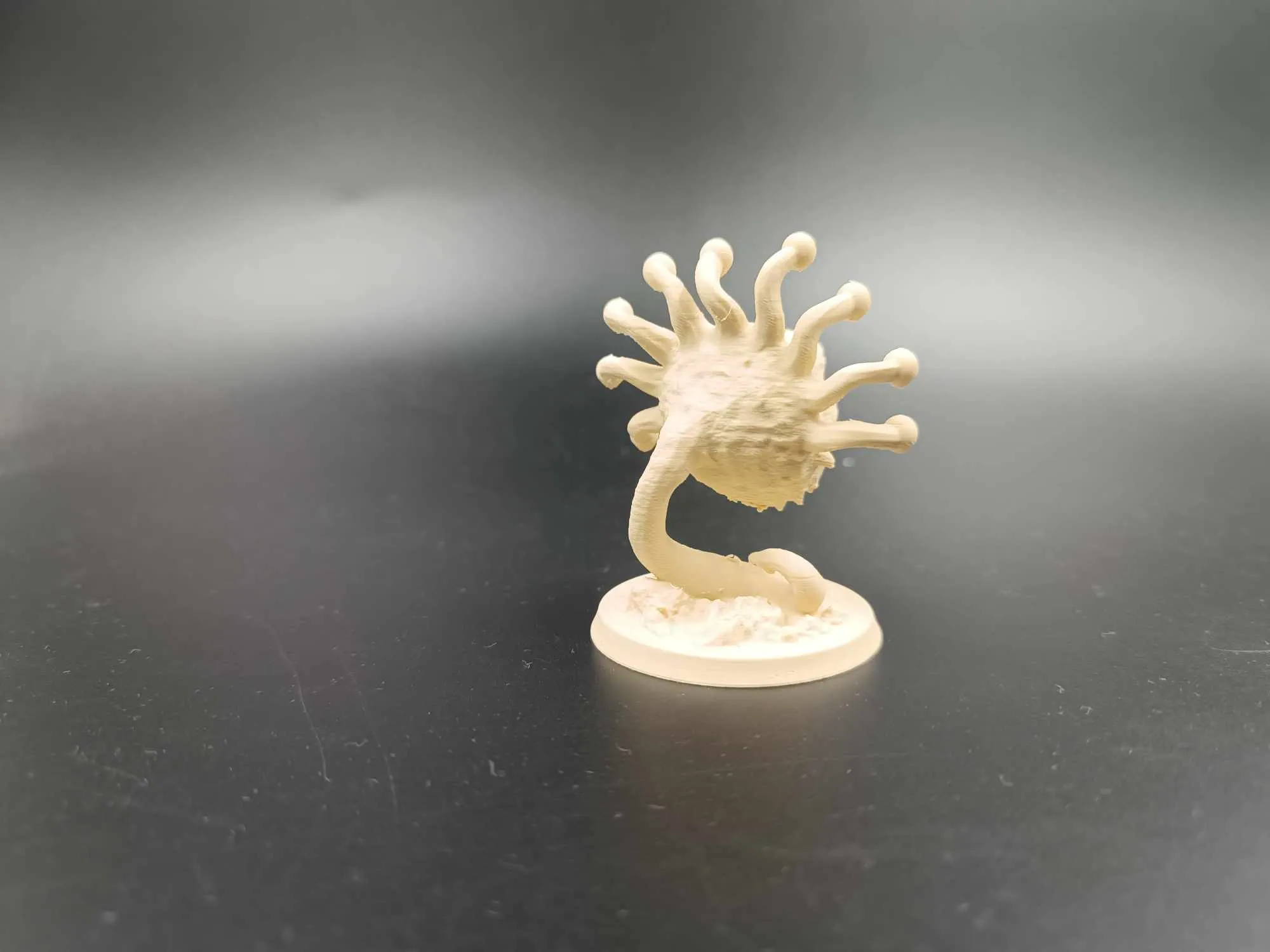
DnD Monster Beholder TTRPG Dungeon - Miniature
Print Profile(1)

Bill of Materials

Description
Boost Me (for free)
Thank you all very much for your support, if you like this model and my work please leave a boost ^^
Thank you all for your support. I'm always happy to hear your opinions and suggestions for new models. So please share them in the comments.
You can offer me a coffee and support my work here >>> https://ko-fi.com/drakeforge3d If you like my work and want to support me, I appreciate any support. The website also includes a commercial license that allows you to sell all my existing models.
Boost Me (for free)
Thank you all very much for your support, if you like this model and my work please leave a boost ^^
https://ko-fi.com/drakeforge3d If you like my work and want to support me, I appreciate any support.
Beholder
Large aberration, lawful evil
Armor Class: 18 (natural armor)
Hit Points: 180 (19d10 + 76)
Speed: 0 ft., fly 20 ft. (hover)
| STR | DEX | CON | INT | WIS | CHA |
|---|---|---|---|---|---|
| 10 (+0) | 14 (+2) | 18 (+4) | 17 (+3) | 15 (+2) | 17 (+3) |
Saving Throws: Int +8, Wis +7, Cha +8
Skills: Perception +12
Condition Immunities: prone
Senses: darkvision 120 ft., passive Perception 22
Languages: Deep Speech, Undercommon
Challenge: 13 (10,000 XP)
Proficiency Bonus: +5
Traits
Antimagic Cone.
The central eye creates an area of antimagic, as in the antimagic field spell, in a 150-foot cone. At the start of each turn, the beholder decides which direction the cone faces and whether the cone is active. The area works against the beholder’s own eye rays.
Actions
Bite. Melee Weapon Attack: +5 to hit, reach 5 ft., one target.
Hit: 14 (4d6) piercing damage.
Eye Rays.
The beholder shoots three of the following magical eye rays at random (roll a d10 for each ray), choosing one to three targets it can see within 120 feet of it:
- Charm Ray. DC 16 Wisdom save or charmed for 1 hour.
- Paralyzing Ray. DC 16 Constitution save or paralyzed for 1 minute.
- Fear Ray. DC 16 Wisdom save or frightened for 1 minute.
- Slowing Ray. DC 16 Dexterity save or half speed, can’t take reactions, only one action/bonus action on its turn.
- Enervation Ray. DC 16 Constitution save or take 36 (8d8) necrotic damage, half on success.
- Telekinetic Ray. DC 16 Strength save or restrained (DC 16 to escape).
- Sleep Ray. DC 16 Wisdom save or fall asleep for 1 minute.
- Petrification Ray. DC 16 Dexterity save, restrained on fail, petrified after failed second save.
- Disintegration Ray. DC 16 Dexterity save or take 45 (10d8) force damage, reduced to dust if killed.
- Death Ray. DC 16 Dexterity save or take 55 (10d10) necrotic damage, half on success.
Legendary Actions
The beholder can take 3 legendary actions, choosing from the options below. Only one legendary action can be used at a time, and only at the end of another creature’s turn. The beholder regains spent legendary actions at the start of its turn.
- Eye Ray. Shoots one random eye ray.
- Move. The beholder moves up to half its flying speed.
- Antimagic Gaze (Costs 2 Actions). Turns its central eye toward one creature, suppressing all magical effects on that target for 1 round.
Each of my models is printed 2-3 times before releasing the profile. So if you have a problem with printing:
1. DRY THE FILAMENT
2. CHANGE THE NOZZLE TO A NEW ONE.
Recommendations: In case of a problem with damage to the supports, I recommend reducing the printing speed of the supports by 30-50% and the travel speed to 400mm/s. When removing the supports, I recommend first cutting off the pieces right next to the character, but not removing them, just cutting them off. Remove the remaining larger pieces and only then detach the remaining smaller pieces. This reduces the risk of damaging delicate elements.
Please note that if you use a different filament than the recommended one, the effect may be different from my print. For example, printing in silk PLA will look better but the supports and the print itself will be more brittle and less durable.
Recommendations:
- 0.08-0.2. In the event of changing the original height, the height of the supports should be changed.
PLA+HS, PLA+, PLA, PLA silk Recommended materials are listed in order from best to good.
- Clean the plate thoroughly before printing.
Make sure the filament is dry and free from dirt. This can damage the print or weaken the suppor
Guide
Each of my models is printed 2-3 times before releasing the profile. So if you have a problem with printing:
1. DRY THE FILAMENT
2. CHANGE THE NOZZLE TO A NEW ONE.
Recommendations Guide : In case of a problem with damage to the supports, I recommend reducing the printing speed of the supports by 30-50% and the travel speed to 400mm/s. When removing the supports, I recommend first cutting off the pieces right next to the character, but not removing them, just cutting them off. Remove the remaining larger pieces and only then detach the remaining smaller pieces. This reduces the risk of damaging delicate elements.
Please note that if you use a different filament than the recommended one, the effect may be different from my print. For example, printing in silk PLA will look better but the supports and the print itself will be more brittle and less durable.
Recommendations:
- 0.08-0.2. In the event of changing the original height, the height of the supports should be changed.
PLA+HS, PLA+, PLA, PLA silk Recommended materials are listed in order from best to good.
- Clean the plate thoroughly before printing.
Make sure the filament is dry and free from dirt. This can damage the print or weaken the support
License

You shall not share, sub-license, sell, rent, host, transfer, or distribute in any way the digital or 3D printed versions of this object, nor any other derivative work of this object in its digital or physical format (including - but not limited to - remixes of this object, and hosting on other digital platforms). The objects may not be used without permission in any way whatsoever in which you charge money, or collect fees.


Comment & Rating (16)