Search models, users, collections, and posts

Gandalf & Bilbo Bookmark – Lord of the Rings
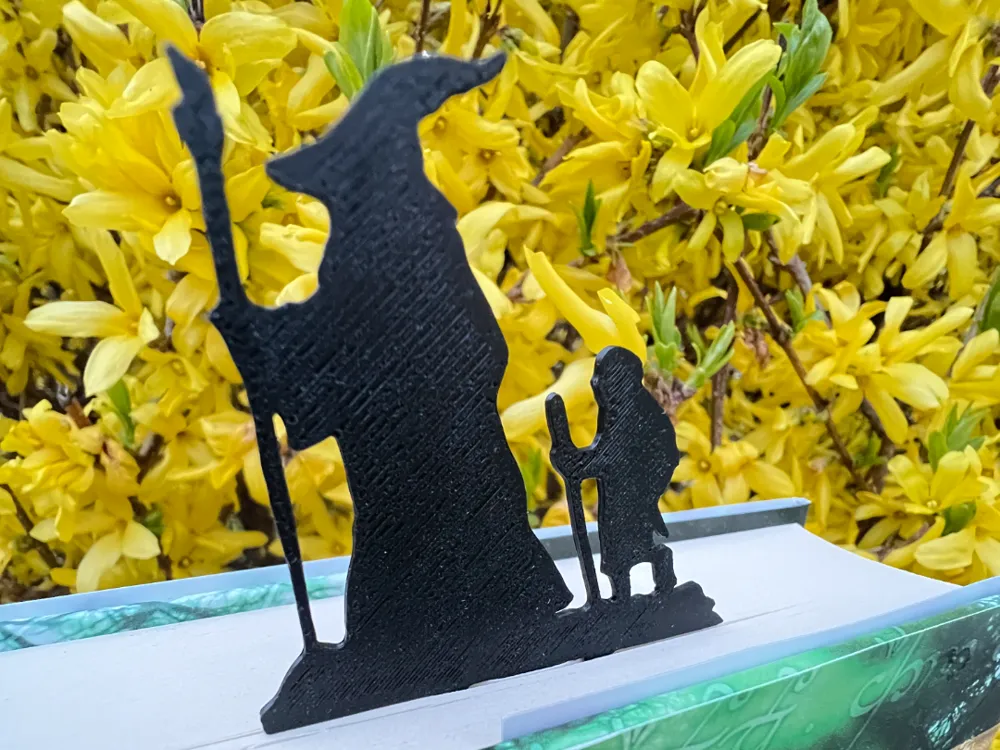
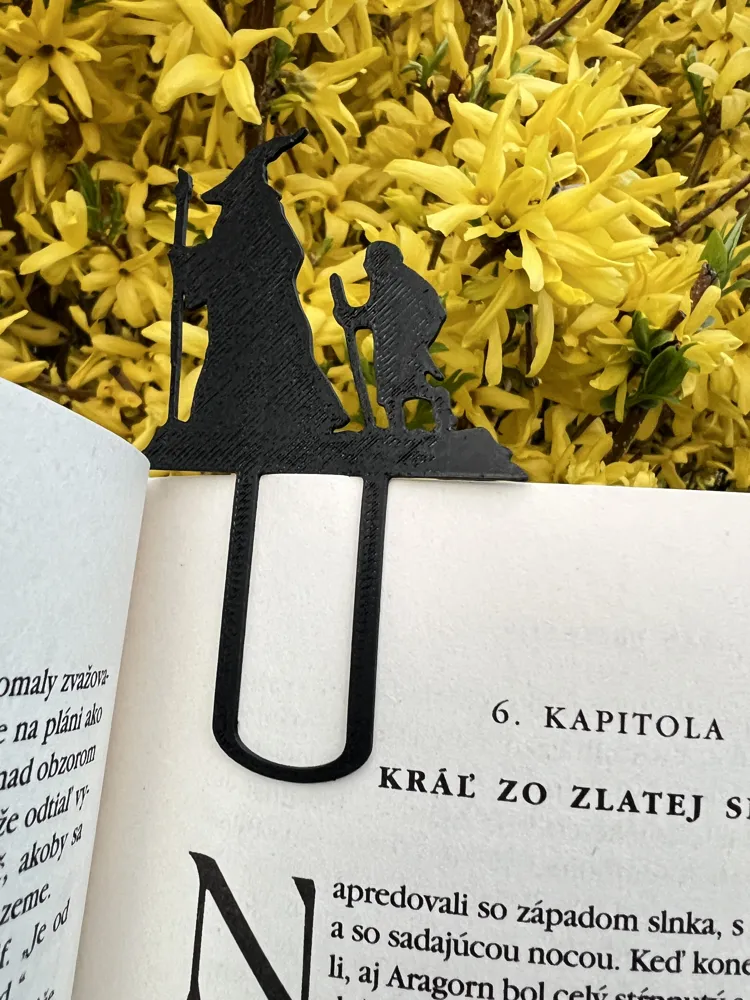
This model is created by Image to Keychain
Make Your Model

Print Profile(1)

All
A1 mini
P1P
X1E
X1 Carbon
H2D
H2C
H2S
H2D Pro
P2S
P1S
A1
X1
X2D
A2L

0.2mm layer, 2 walls, 15% infill
Designer
20 min
1 plate
4.8(17)

Open in Bambu Studio
Boost
94
352
24
3
334
275
Released 

Description

"Remember, you are the author of your own story." – Gandalf


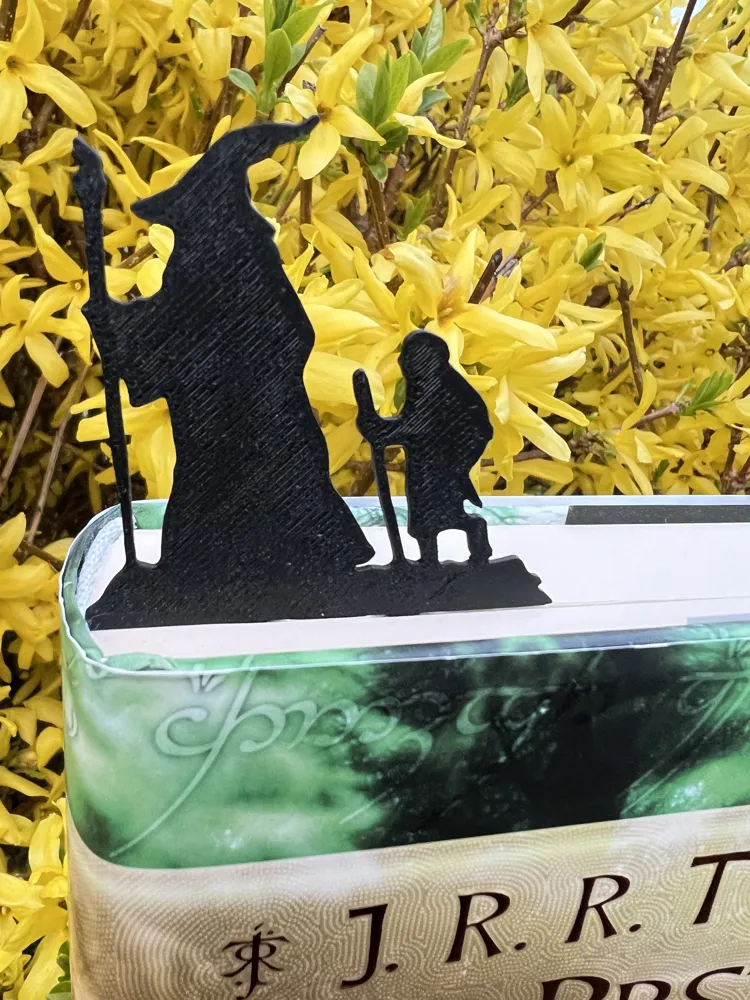
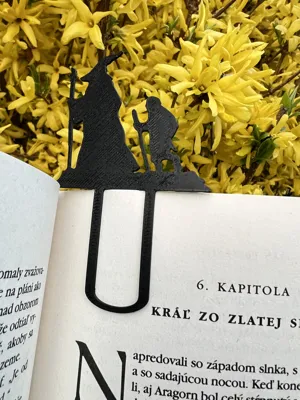
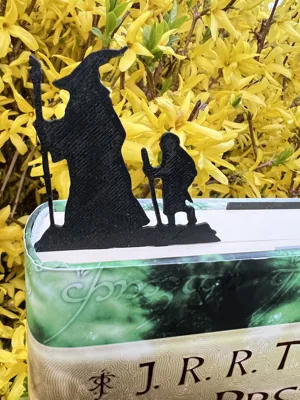
For all passionate readers, adventurers at heart, and devoted Lord of the Rings fans, here comes a 3D-printable bookmark that brings the magic of Middle-earth right into your book!


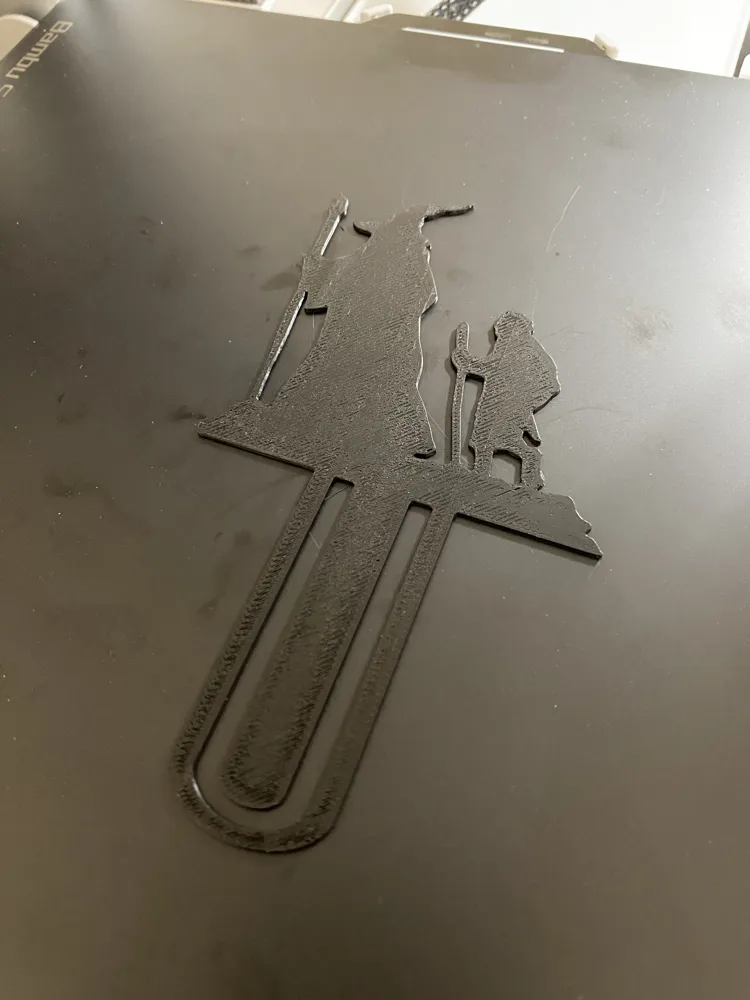
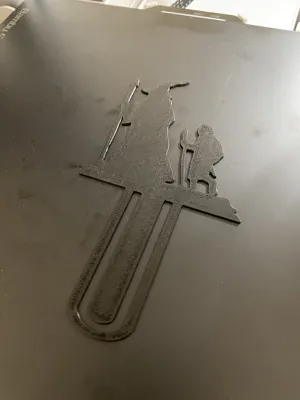
This beautifully crafted design captures the iconic moment between Gandalf and Bilbo, two characters who forever changed the fate of a humble hobbit—and an entire world. The silhouette of the wise wizard, with his legendary hat and staff, leads the small hobbit forward on a journey full of adventure—just as this bookmark will guide you through the pages of your favorite book.

Why Print It?

  • A Perfect Gift for Tolkien Fans – Give a piece of Middle-earth to anyone who loves books.
  • Unique Design – Carefully crafted details that capture the spirit of the story.
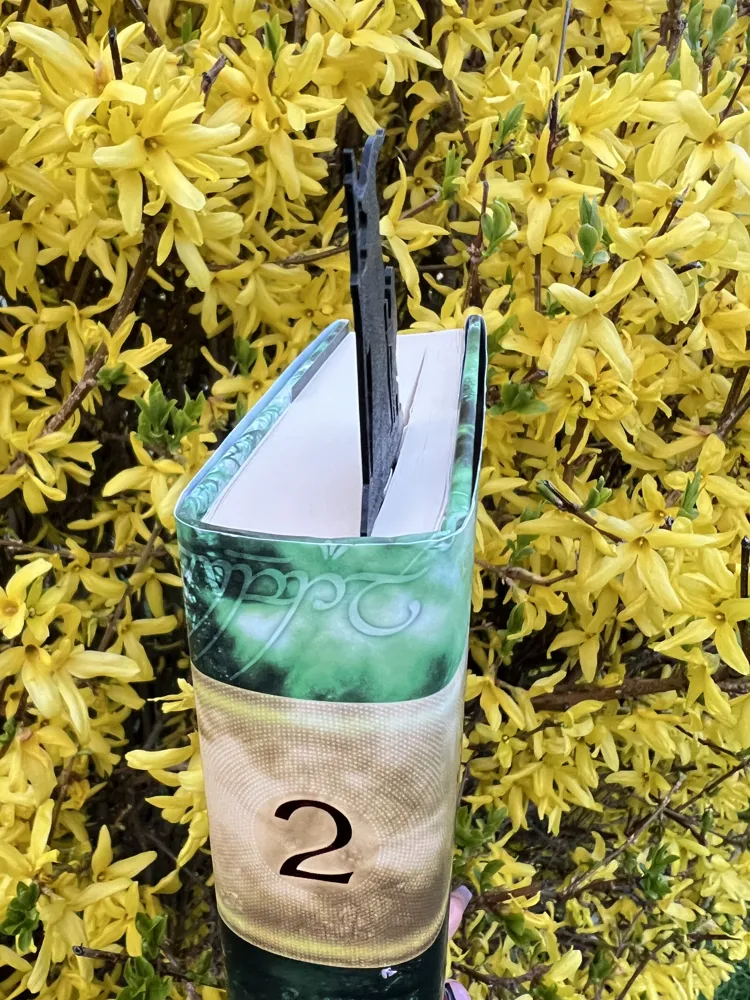
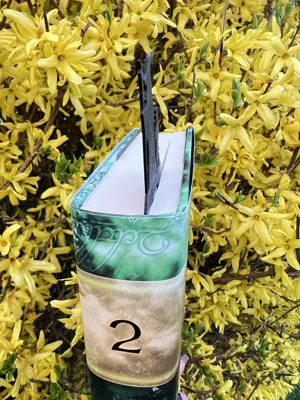
  • Practical & Stylish – The bookmark fits snugly in your book while adding a magical touch to your reading experience.
  • Easy 3D Printing – Optimized for various 3D printers and filament types.

Let this bookmark be your companion on every reading journey, whether you’re setting off on an unexpected adventure with Bilbo, battling darkness in Mordor, or returning to Rivendell for a cup of tea.

 

Boost Me (for free)

Boost me to create more amazing models.

Comment & Rating (24)

(0/1000)

Print Profile
0.2mm layer, 2 walls, 15% infill
this is too fun. i printed it at 50 or 75% and it makes me happy every time i look at it. functionally, it falls out. alot. but i love it so much that i dont care.
The profile uploader has replied
profile
1
Reply
I’m really happy to hear that you like it so much 😊 That honestly made my day. You’re absolutely right about it falling out — at smaller scales it’s not ideal functionally. If you’d like, I can prepare a resized version that should hold better (at least I hope so 😄). It would really help me if you could share what dimensions would work best for you — specifically: - the width of the bookmark - the height of Bilbo & Gandal - optionally the width and height of the part that goes between the pages Thanks again for the kind comment ❤️
0
Reply
i would love that! i have to make a new one anyway since i crushed it when i sat on the book just today. the figures are just shy of 2 inches tall and wide. this would be awesome, thank you! *edited to sound better since initially type out with one hand, was donating blood at the moment. lol.
(Edited)
0
Reply
the length of the part that goes in the book as it is now is just over an inch. i really appreciate it! i couldnt figure out how to keep that part normal length. i just scaled the whole thing.
0
Reply
Print Profile
0.2mm layer, 2 walls, 15% infill
great print quality and a beautiful addition to the bookshelf
profile
1
Reply
Print Profile
0.2mm layer, 2 walls, 15% infill
Each time I tried to print this, I would receive an error on my app. I’ve only had the printer for a weekend, but this is the only item I’ve had an issue with. I have it two stars in case it’s due to a learning curve.
The profile uploader has replied
0
Reply
Hi! Thanks a lot for your feedback — I’m really sorry to hear you had trouble printing this model. That’s definitely not the experience I want people to have. So far, no one else has reported a similar issue, but I totally understand how frustrating it can be, especially when you're just getting started with 3D printing. I’ll try printing the model myself again on my own printer to see if something might have changed — maybe due to software updates or slicer settings. If you don’t mind sharing a bit more detail, could you let me know what type of printer and filament you were using? That might help me pinpoint the issue and improve the model or instructions if needed. Thanks again for taking the time to comment — I really appreciate it!
0
Reply
Replying to @DiPato :
Hey DiPato - thanks for reaching out! I just tried it again and it says there is a “Slicing Failure”. I have an A1 Mini and am using the Bambu PLA black.
0
Reply
Replying to @Balena :
Hey, thanks for the quick reply! I just tested it again on my side — I imported the model directly from MakerWorld into Bambu Studio (version 2.1.1.52), and slicing worked fine without any issues. I personally have the A1, but I also tried switching the printer profile to A1 Mini to match yours — and still no slicing errors (see screenshot). If you're still getting the “Slicing Failure” message, maybe try this: - Download the STL file manually from the MakerWorld page, - Then open Bambu Studio and import the STL directly into your project, - Try one of the default presets (like “Standard” or “0.2mm layer height”) and see if that helps. Let me know if that works — happy to keep testing with you if needed!
0
Reply
that should be the Hobbit
designer
1
Reply
Print Profile
0.2mm layer, 2 walls, 15% infill
love it!
profile
1
Reply
Print Profile
0.2mm layer, 2 walls, 15% infill
Great!
profile
1
Reply
Print Profile
0.2mm layer, 2 walls, 15% infill
Works great! I love the disign.
0
Reply
Print Profile
0.2mm layer, 2 walls, 15% infill
profile
1
Reply
Print Profile
0.2mm layer, 2 walls, 15% infill
profile
1
Reply
Print Profile
0.2mm layer, 2 walls, 15% infill
profile
1
Reply