
Canon lens badge
Print Profile(2)


Bill of Materials
- Superglue x 4: Drops
Description
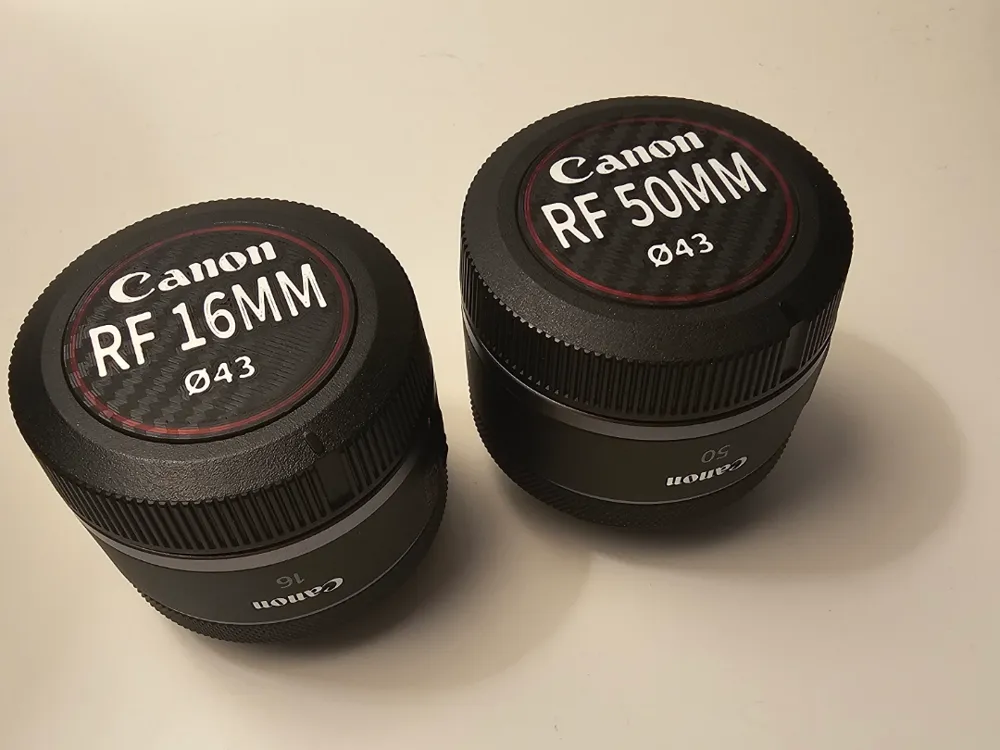
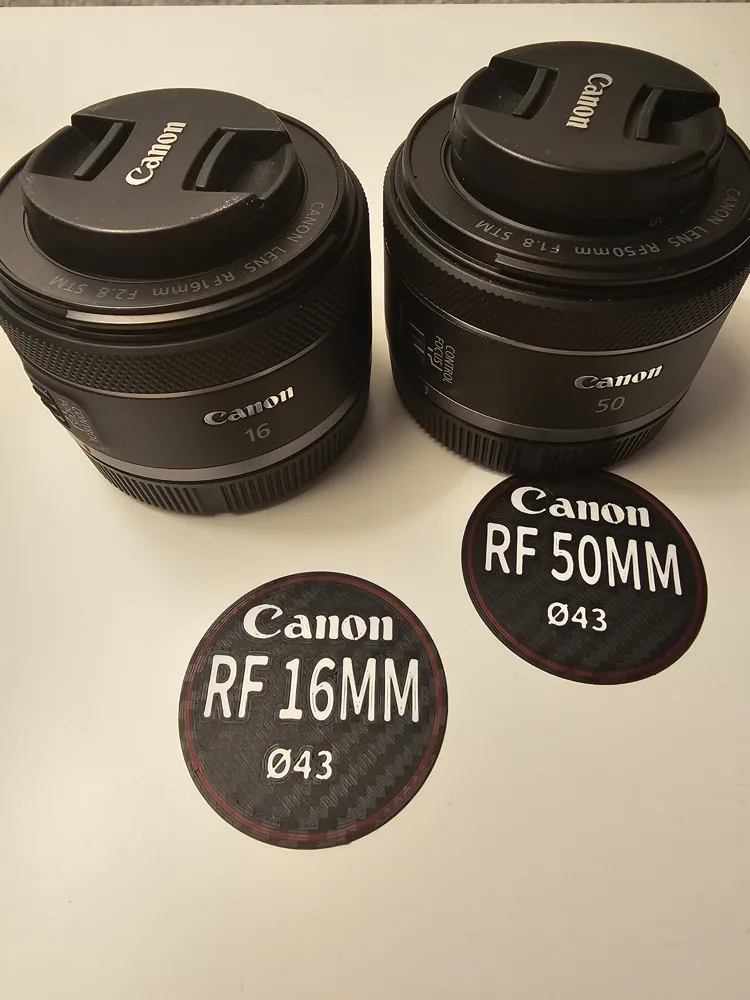
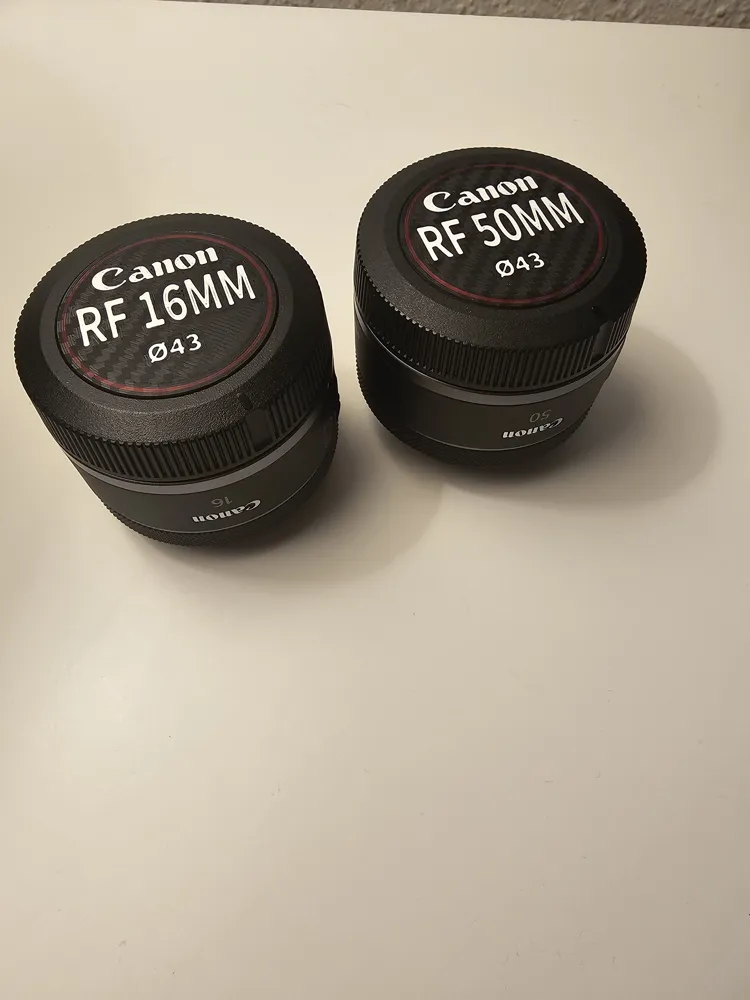
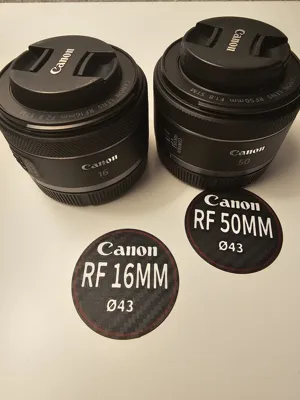
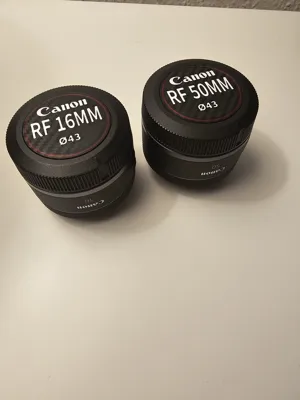
I designed some Canon RF lens badges using MakerLab's “Make my sign” to make it easier to identify my lenses at a glance. Instead of digging through my camera bag, I can now instantly grab the right lens. To give them a more premium look, I printed them on a carbon plate, which adds a sleek finish imo. Each badge also includes the filter diameter, making it even more convenient.
They’re easy to attach with just a few drops of superglue, and they stay in place without getting in the way—just note that removing them may/will leave a mark. - Dont over do the glue!
I’ll be expanding the collection with more lens badges soon, including EF lenses, so stay tuned! If you want to customize your own, these designs are fully editable and available on MakerWorld/MakerLab for anyone to use as a template.
Ill expect that the custom font should also work for you, but if not it avabable with just a quick google search.
Ive printed mine with Esun Pla on Bambus basic pla profile.
Colors used: Black, Cold white, Fire red.
------------------------------------------------------------------------------------------------------------------------
Next lens will be the RF 100
------------------------------------------------------------------------------------------------------------------------
Plans for future lenses:
Sigma art 20mm
Tamron g2 150-600
Powered by MakerWorld-Make My Sign (https://makerworld.com/makerlab/makeMySign)
License



Comment & Rating (6)